Which Robotics Kit Is Right for Your Child's Age? TokyLabs Kits From 6 to 18
For children aged 6 to 9, the right TokyLabs kit is TokyMini, which is programmed with physical puzzle tiles and no screen. From age 9 to 18, the TokyMaker board, or the TokyMaker Starter Kit with sensors and servos, adds blocks, MicroPython and AI. Older students ready for an AI robot can move to the Toky AI Robot Kit.
TokyLabs makes two families of hardware: the screen-free TokyMini for primary-age children and the TokyMaker board for ages 9 to 18. Everything below comes from TokyLabs' own product pages. If you are new to the company, start with what TokyLabs is and what it makes.
Which TokyLabs kit fits which age?
Age is the simplest way to choose: TokyMini covers ages 6 to 9, and every TokyMaker kit covers ages 9 to 18 or the middle and high school years. The table compares each kit on screen use, programming style, contents and the price shown on its product page.
| Kit | Ages | Screen use | Programming style | What's in the box | Price |
|---|---|---|---|---|---|
| TokyMini Kit | 6–9 | None: children snap puzzle pieces together and TokyMini scans them | Tangible coding tiles | TokyMini, 2 motors, speaker, 2 nine-key keyboard inputs, conductive tape, 5 LEDs, 2 light sensors, 4 cable extensions, 2 coding puzzle-piece sets | $79.95 |
| TokyMaker board | 9–18 | Programmed from a browser | Blocks, plain English or MicroPython | The 5 × 5 cm board with 0.96-inch OLED screen, WiFi, Bluetooth 4.0 BLE, 6 inputs and 5 outputs, push and touch buttons, RGB LED | $39.95 (list $44.95, with the $5.00 discount shown) |
| TokyMaker Starter Kit | 9–18 | Programmed from a browser | Blocks, plain English or MicroPython | The board plus light, rotation, tilt and ultrasound sensors, speaker, 180º and continuous-rotation servos, 8-LED Neopixel strip, relay, wires, USB cable and charger | $99.95 |
| Tokybot Kit | Middle school | Programmed from a browser | Drag-and-drop blocks | Cardboard robot body, 2 continuous-rotation servos, light sensors, distance sensor, battery holder, cables and a TokyMaker, plus an online robotics course | $64.85 (list $74.85, with the $10.00 discount shown) |
| Toky AI Robot Kit | High school | Browser editor, plus your own phone mounted as the robot's senses | Blocks, plain-English AI Agent, MicroPython, your own trained image model | Robot body, omni wheels, 4 N20 motors, motor shield, 2-axis metal arm with 2 servos, TokyMaker board, ultrasonic sensor, rechargeable battery | See product page for current price |
Prices are those shown on each product page at the time of writing and can change, so check the page before you buy.
What should a 6- to 9-year-old start with?
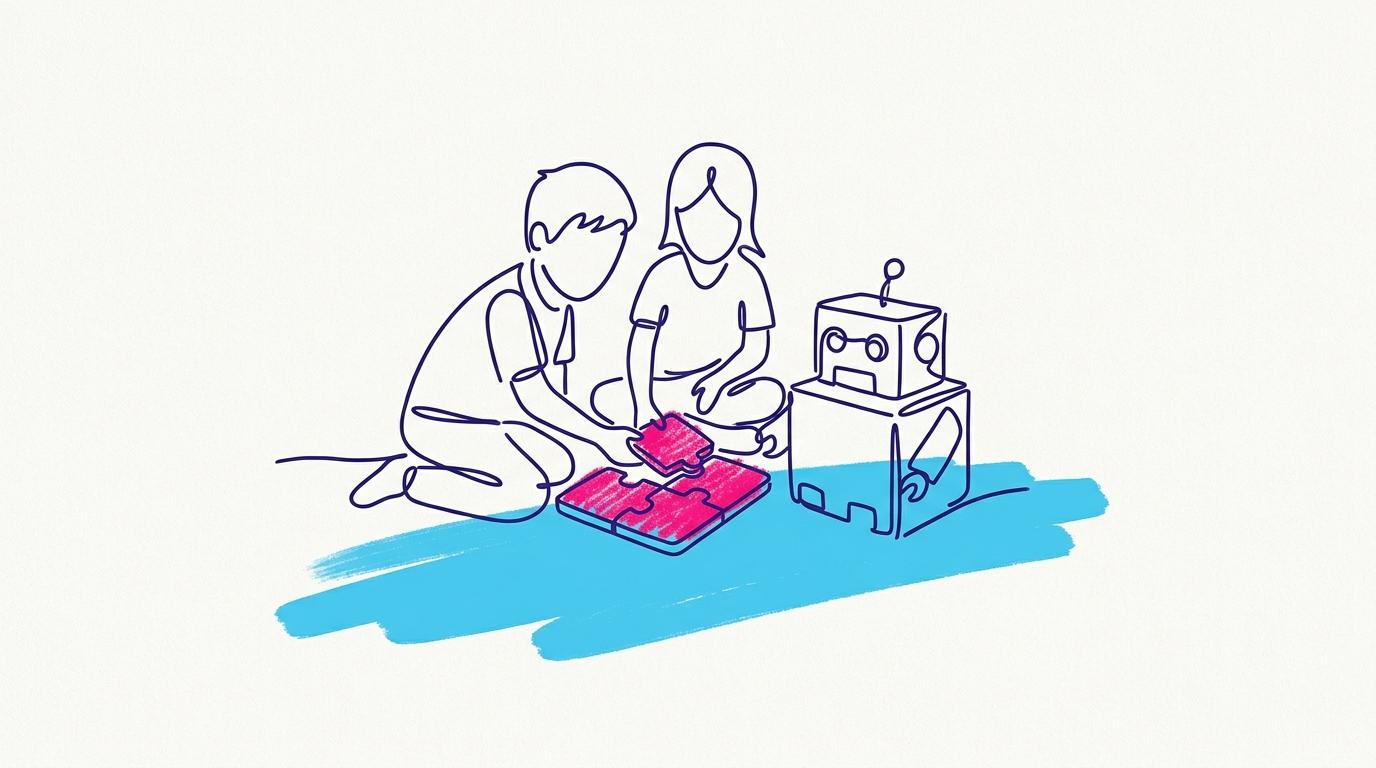
A child aged 6 to 9 should start with TokyMini, because it teaches programming without a screen. Children snap physical puzzle pieces together into a program, TokyMini scans the sequence, and simple plug-and-play modules bring the project to life with motors, lights, sound and sensors.
Projects are built from cardboard or everyday materials at home, and each child designs, codes and builds their own idea instead of following identical steps. TokyLabs describes the TokyMini curriculum as 60% craftsmanship, creativity and critical thinking and 40% coding and electronics. The device has an LED matrix, 2 inputs and 2 outputs, a remote-controller receiver, and runs on three 1.5V AAA batteries.
When is a child ready for the TokyMaker board?
A child is ready for TokyMaker from about age 9, which is where TokyLabs starts its 9-to-18 range. TokyMaker is programmed from a browser, with no soldering and no installs, and the same board grows from drag-and-drop blocks to real MicroPython.
The board works natively with the Chrome browser on Windows 10 and 11, macOS, Android tablets and Android phones, and through the TokyMaker app on iPad and iPhone. Sensors and motors plug in directly, without breadboards, and the board is also compatible with common analog sensors from Arduino and other makers.
Should you buy the board alone or a full kit?
Buy the board alone if you already have sensors and motors, and choose a full kit if you want everything in one box. TokyMaker uses standard connectors, so it also works with general electronics bought in any shop.
- TokyMaker board, $39.95: the lowest-cost way into the 9-to-18 range, with built-in buttons, screen and RGB LED.
- TokyMaker Starter Kit, $99.95: the board plus a selection of sensors and actuators that match TokyLabs' IoT and robotics courses.
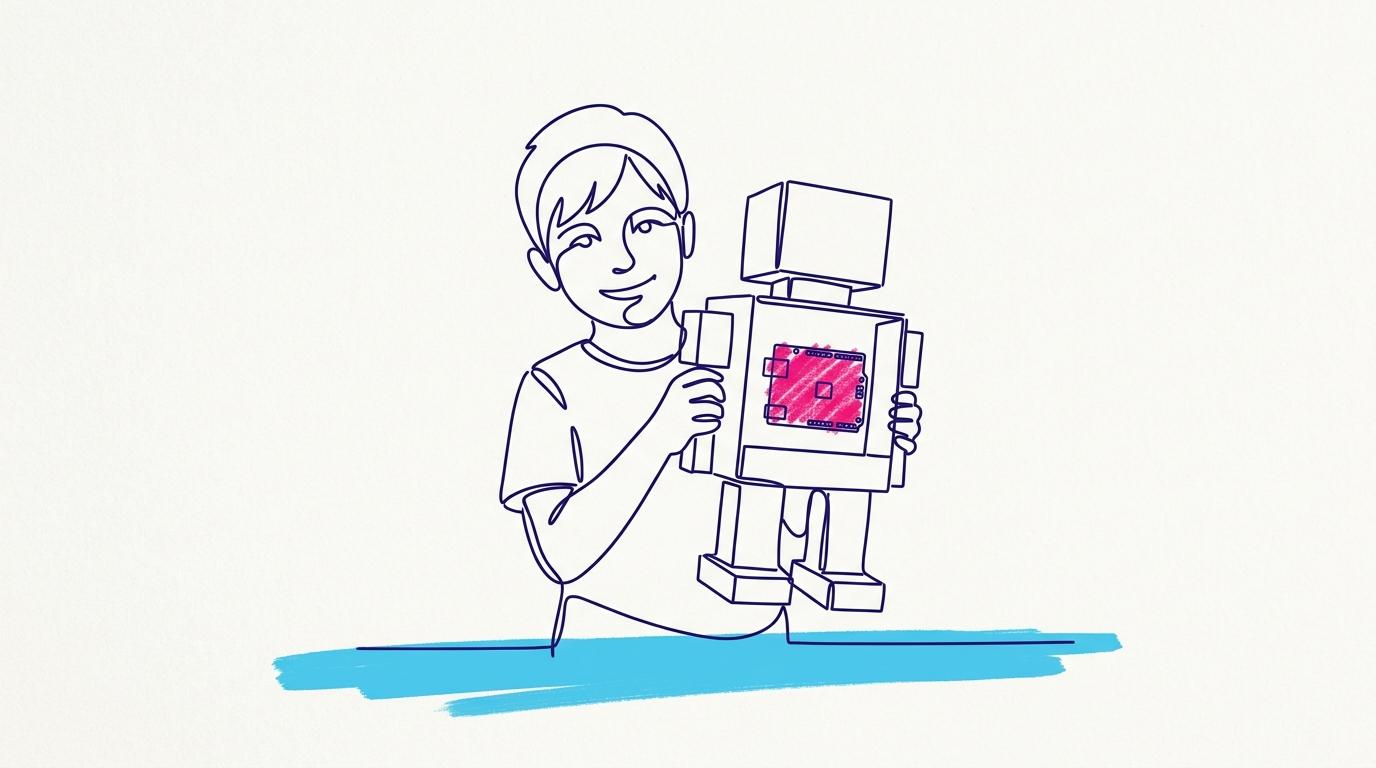
- Tokybot Kit, $64.85: a cardboard robot that learns to follow light or respond to a remote controller, with a full robotics course.
Teachers planning a class set rather than a single kit can read how the TokyLabs pilot for schools works.
Which kit introduces teenagers to AI?
The Toky AI Robot Kit is the TokyLabs kit built around AI. A TokyMaker board drives four omni wheels, so the robot moves sideways, diagonally and spins on the spot, and a mounted smartphone lends it a camera, microphone and motion sensors. The phone is not included.
- AI Agent: describe a behaviour in plain English and the AI writes a rule program you can read and edit.
- Train your own AI: capture photos, press Train, and the robot reacts to what it recognises.
- AI Web Apps: prompt a dashboard, controller or game wired to the robot's live sensors.
- Blocks to MicroPython: start with blocks, then open real MicroPython on the same board.
Image training and the simulator run locally in the browser, while the AI Agent uses a cloud model through a key you control. The kit includes Teacher Dashboard access, 15 lessons for students and Google Classroom compatibility. Its price is listed in CNY, so see the product page for the current price.
Frequently asked questions
What is the youngest age for a TokyLabs kit?
TokyMini is designed for children aged 6 to 9. It is programmed with physical puzzle tiles, so it needs no screen and no prior coding experience.
Does my child need to know how to code before using TokyMaker?
No. TokyMaker starts with drag-and-drop blocks in the browser and moves to MicroPython on the same board when the student is ready.
Is soldering or software installation needed?
No. TokyMaker kits need no soldering, and the editor runs in the browser. On iPad and iPhone, you use the TokyMaker app from the App Store.
Can schools buy TokyLabs kits for a whole class?
Yes. Primary schools can embed TokyMini through Curriculum as a Service, which is quoted per class after a call.
Can teachers get trained to use these kits?
Yes. The TokyLabs Robotics Teacher Bootcamp takes teachers with no engineering background to running their own robotics classes, and ships a full robotics kit to each participant.
Make Your Business Online By The Best No—Code & No—Plugin Solution In The Market.
30 Day Money-Back Guarantee
Say goodbye to your low online sales rate!