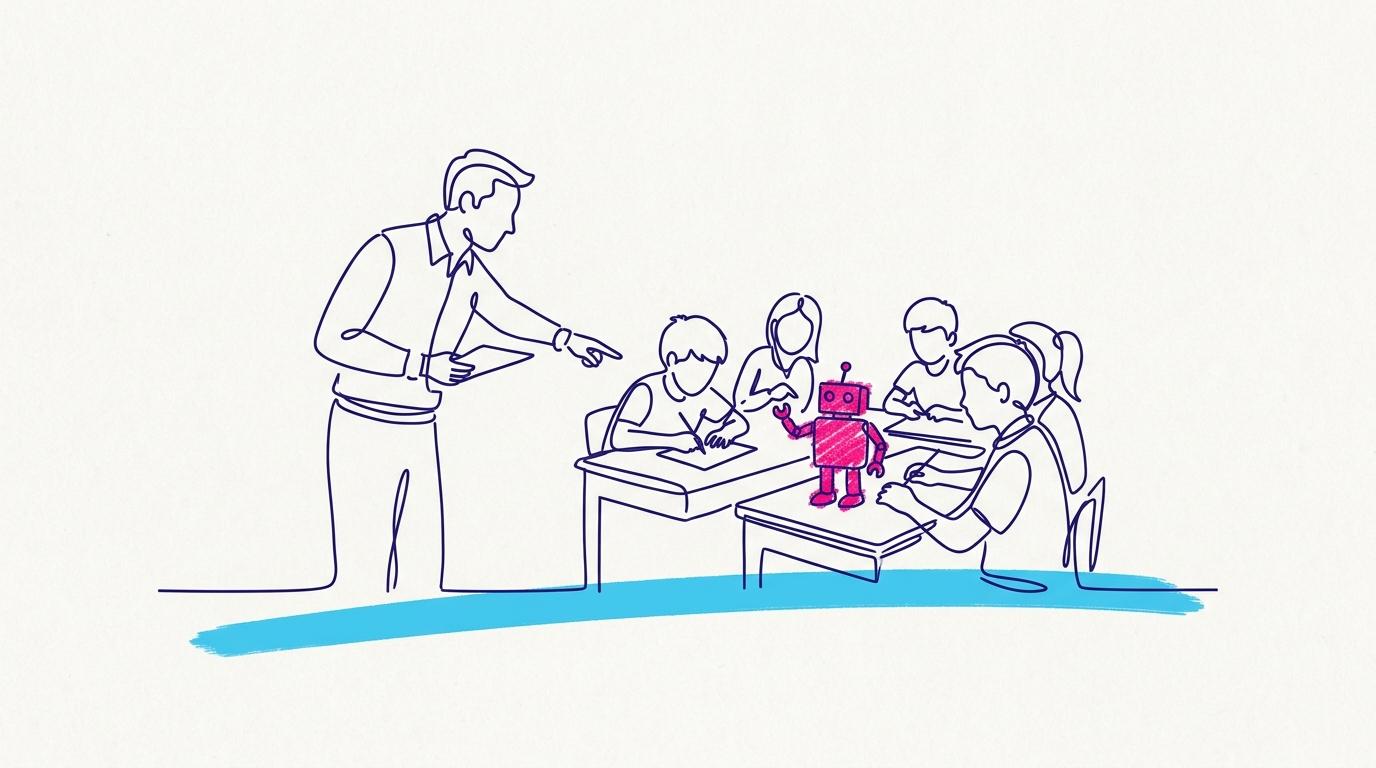
What Is TokyLabs? Robotics and AI Kits, School Curriculum and Teacher Training
TokyLabs is an education-technology company that makes robotics and AI kits for young people aged 6 to 18: the TokyMaker board and the screen-free TokyMini. It pairs them with a browser coding platform, ready-to-teach school curriculum and teacher training, and has worked in classrooms for about ten years across Spain, China and Bali.
This article is a plain summary of who TokyLabs is, what it makes, who it serves and how to get in touch. Everything below is drawn from TokyLabs' own product and programme pages.
What does TokyLabs make?
TokyLabs makes two families of hardware: TokyMaker, a small programmable board for ages 9 to 18, and TokyMini, a screen-free coding kit for ages 6 to 9. Both are built so that children invent their own projects rather than assemble a pre-made robot out of a box.
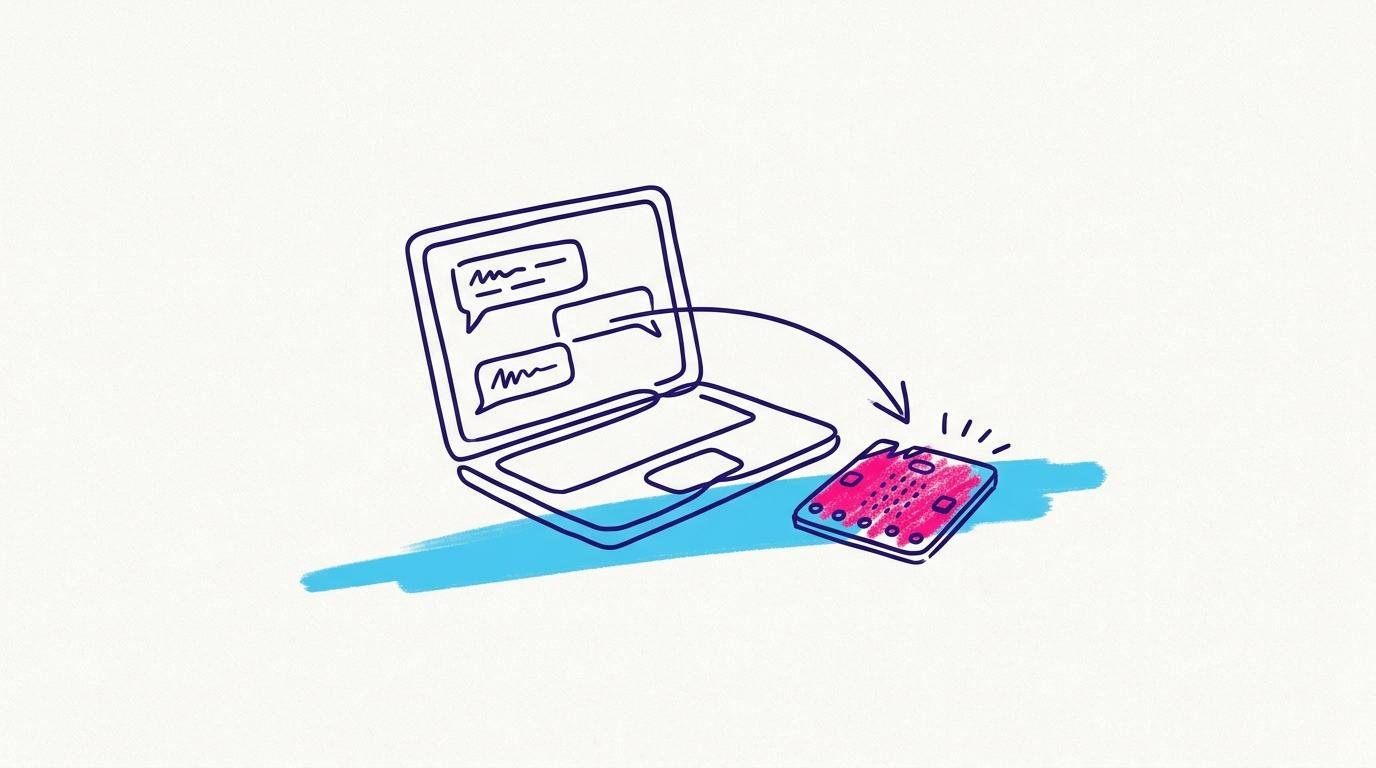
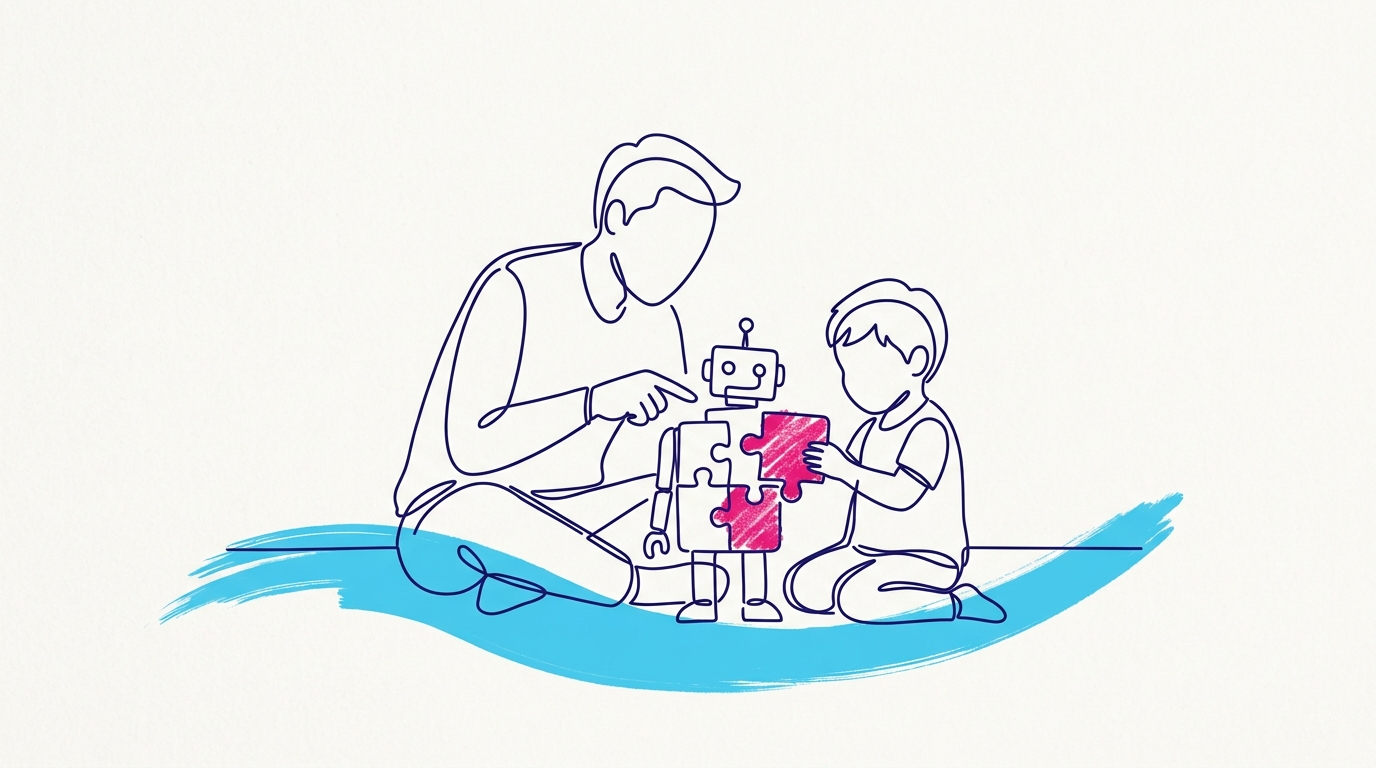
The TokyMaker board is 5 × 5 cm and sits at the centre of every build. Students plug in sensors, motors, a speaker or LEDs with no breadboard and no soldering, then build the body from cardboard, straws, LEGO or 3D prints. TokyMini works differently: children snap chunky puzzle tiles together to make a program, and a small device reads the tiles and drives real motors, lights and sensors.
| Product | Ages | What it is | Shop price |
|---|---|---|---|
| TokyMini Kit | 6–9 | Screen-free coding with physical tiles that drive real motors, lights and sensors | $79.95 |
| TokyMaker (AI Brain & Body) | 9–18 | The 5 × 5 cm ESP32 board with an OLED screen, programmed from any browser | $39.95 |
| TokyMaker Starter Kit | 9–18 | The board plus sensors, servos, ultrasound, RGB strip, speaker and relay | $99.95 |
Prices are the published shop prices at the time of writing; check the TokyLabs shop for current figures.
How do children program a TokyMaker robot?
Children program TokyMaker in a free browser editor, choosing plain English, drag-and-drop blocks or real code. It runs in the Chrome browser on Windows, macOS, ChromeOS and Android tablets and phones with nothing to install, no drivers and no subscription; on iPad and iPhone you use the TokyMaker app from the App Store.
The same board grows with the student: blocks in middle school, then MicroPython on the same hardware. TokyLabs lists 200+ ready-to-run projects. Once a robot moves, students can give it AI:
- AI Agent: describe a behaviour in a sentence and the AI writes the rules the robot follows. This feature uses cloud AI.
- Machine learning: take around 30 photos, press Train, and the robot recognises what it sees. Training happens in the browser, built on Google's Teachable Machine.
- AI web apps and games: prompt an app or game and it connects itself to the robot.
- A personality: give a project its own character with one click.
For developers and makers, TokyLabs also publishes the open-source Tokymaker MCP tool (source code on GitHub), which lets AI assistants such as Claude write and flash programs to a real TokyMaker board.
How does TokyLabs work with schools?
TokyLabs works with schools in four ways, and most schools start with one and grow into the next. The aim is a programme that any teacher can run, not only an engineer.
- Curriculum as a Service for primary schools: TokyLabs maps robotics projects into your existing subjects and co-teaches live from the classroom projector while your teacher leads.
- Teacher training: a live bootcamp that takes teachers from zero to running robotics classes, with a certificate of completion.
- School bundles: hardware, teacher training and ongoing support in one package, quoted for each school.
- Hackathons and competitions: TokyLabs runs the whole event in your school, and students build something real in a day.
Schools that want to see it first can apply for a free pilot workshop.
Is the AI safe for students?
TokyLabs designs its platform so that schools can say yes to classroom AI. In TokyLabs' own words:
AI your school can actually say yes to. Students never leave the platform to use AI. Models train in the browser — images are never uploaded. Every app and model is a local file the student owns. AI as author, not driver.
The AI Agent feature is the exception to local processing: it calls a cloud AI model, using a key the school controls.
Where does TokyLabs operate, and who has it worked with?
TokyLabs operates from Spain, China (Shanghai) and Bali. It was founded by Eduardo Alarcón and has been working in classrooms for about ten years.
TokyLabs is an official Technology Partner of Google for Education and is listed in the Google Cloud Partner Directory under Google for Education Integrated Solutions. Schools that use TokyLabs include Col·legi Montserrat, Montessori School Bali, SCIS, Wellington College International Shanghai and Shanghai University (including UTSEUS). Students at Wellington College Shanghai took part in the HackWell 2025 hackathon with TokyLabs.
“My kids are fascinated how easy it is to turn their ideas into reality.” — Chris Jacobs, Director of Special Projects at RIVIAN
How do I contact TokyLabs?
The fastest way to reach TokyLabs is WhatsApp, and the team usually replies the same day. Message TokyLabs on WhatsApp. Schools can also apply for a pilot or book a 20-minute demo from the For Schools page.
Frequently asked questions
What age is TokyLabs for?
TokyLabs covers ages 6 to 18. TokyMini is designed for ages 6 to 9, and TokyMaker for ages 9 to 18.
Do I need to install software or solder anything?
No. The editor runs in the browser with no installs or drivers, and sensors and motors plug in without soldering.
Is the TokyMaker editor free?
Yes. The browser editor is free with no subscription. To make a real robot move, you need a TokyMaker board.
Does TokyMini need a screen?
No. Children program TokyMini with physical puzzle tiles. There is no screen, no app and no account.
Does TokyLabs train teachers?
Yes. TokyLabs runs a live Robotics Teacher Bootcamp and offers one-to-one mentoring hours. See the teacher training page.
To bring TokyLabs to your classroom, start at https://tokylabs.com/pages/for-schools, or pick a kit in the TokyLabs shop.
Make Your Business Online By The Best No—Code & No—Plugin Solution In The Market.
30 Day Money-Back Guarantee
Say goodbye to your low online sales rate!