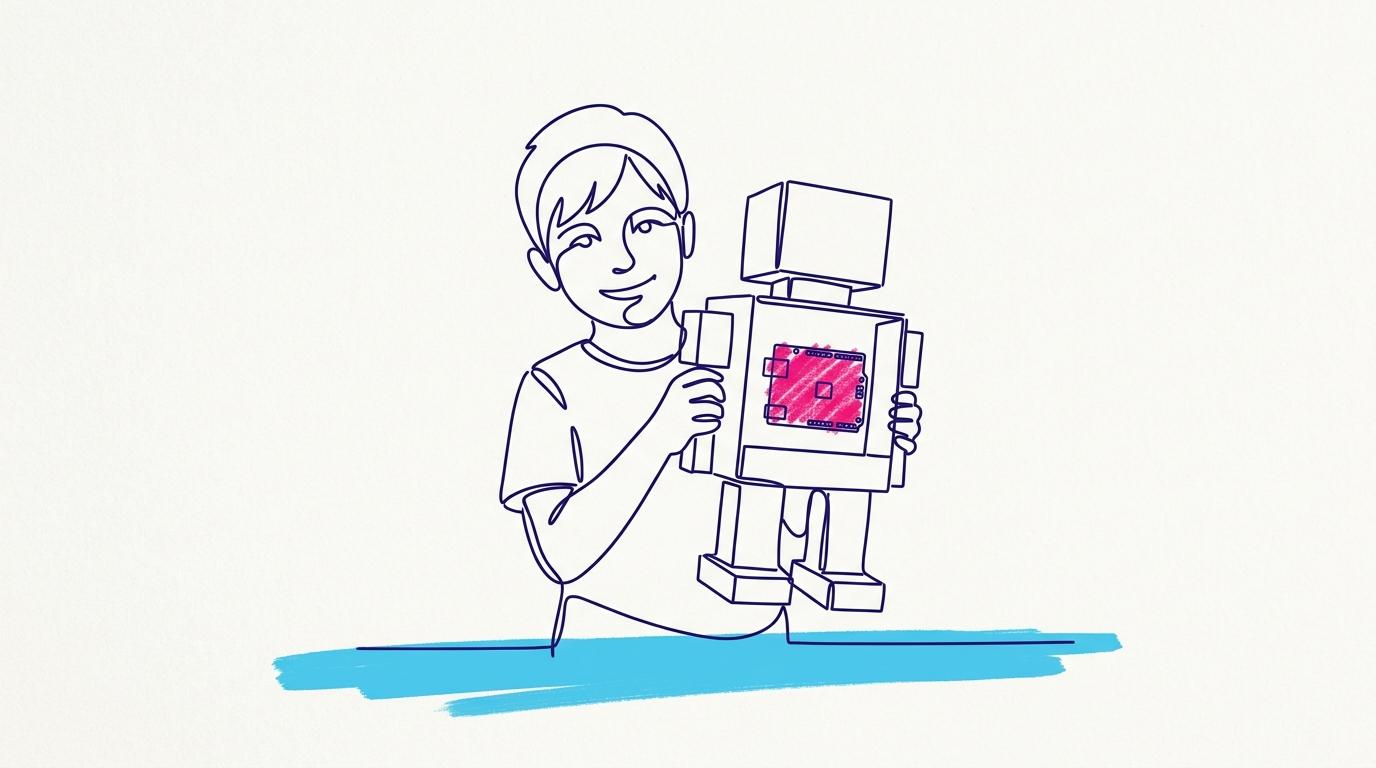
TokyLabs for Schools: How the Free Robotics and AI Pilot Works
The TokyLabs free pilot is one live robotics and AI workshop, co-taught by TokyLabs alongside your own teacher, after a 45-minute call to prepare that teacher. It runs online with a group of six or in person with a whole class. It is free in Bali, Shanghai and Barcelona, with travel at cost elsewhere.
TokyLabs built the pilot for schools that want to see robotics and AI working with their own students before any budget conversation. You need one class and one teacher.
What is the TokyLabs free pilot workshop?
The pilot is a single live workshop in which your students build and program real robots, with a TokyLabs trainer co-teaching next to your teacher. It is the middle of three ways to start, and it lets a school judge the programme on evidence from its own classroom.
| Way to start | When | What happens |
|---|---|---|
| Buy one kit | This week | A teacher tries it alone first. Published shop prices, from $39.95. |
| Free pilot workshop | This term | One live workshop, co-taught by TokyLabs, after a 45-minute prep call. |
| Book a demo | 20 minutes | Your questions and a live build. Bring whoever needs convincing. |
How do we apply, and how long does it take?
Applying takes about two minutes, and TokyLabs confirms within two working days. The steps are:
- Fill in the short application on the For Schools page: your name, work email, school and city, your role, the age group, the format you prefer, a preferred month and the approximate class size.
- TokyLabs confirms within two working days and books your prep call.
- A 45-minute call prepares your teacher for the workshop.
- The live workshop runs, online or in person, co-taught by TokyLabs.
If someone else must sign off first, the page offers a two-page proposal (PDF) to send to your head, IT team or curriculum lead.
Where is the pilot free, and what formats are there?
The pilot is free in Bali, Shanghai and Barcelona; elsewhere, TokyLabs charges travel at cost. There are two formats: online with a group of six students, or in person with the whole class. You can also tick "not sure yet" on the application and decide on the call.
What does our school need to install?
Nothing. TokyMaker runs in the Chrome browser with no installs, no drivers and no admin rights; if students can open a website, they can build robots. It works on macOS and iOS, Android, Windows and ChromeOS.
Students can share any project to Google Classroom in one click. TokyLabs is an official Technology Partner of Google for Education and is listed in the Google Cloud Partner Directory under Google for Education Integrated Solutions.
Does the teacher need to be an engineer?
No. TokyLabs builds in everything a first-time robotics teacher needs, starting with training before day one and a direct support line after it.
- Every lesson is prepared for the teacher.
- Exercises mark themselves, and the teacher can override any grade.
- Teachers set work in minutes by solving an assignment once, with no rubrics to build.
Teachers who want to run robotics on their own can take the TokyLabs teacher training.
What ages and curriculum does it cover?
TokyLabs covers ages 6 to 18 and fits into your existing scheme of work. Younger children use the screen-free TokyMini; older students use blocks in middle school and move to MicroPython and AI by sixth form, on the same TokyMaker board. There are 200+ projects, mapped to your units on request.
For Pre-K to Grade 5, TokyLabs checked every STEM Program lesson against three standards. Of 188 ready lessons, 109 teach toward at least one of them:
| Standard | Lessons mapped |
|---|---|
| 2026 CSTA PK–12 Computer Science Standards | 74 |
| ISTE Standards for Students (2024) | 38 |
| ITEEA Standards for Technological and Engineering Literacy (STEL) | 63 |
The mapping was done by TokyLabs, and an independent review is pending. Middle and high school mapping is in progress.
Is the AI safe, and what happens after the pilot?
TokyLabs keeps students inside its platform when they use AI. Models train in the browser, so images are never uploaded, and every app and model is a local file the student owns: AI as author, not driver.
After the pilot, schools usually grow into one of four options: Curriculum as a Service for primary, teacher training, school bundles (quoted per school) or hackathons run in your school. In year two, the boards are yours, the free editor works forever, and the teacher dashboard makes the programme transferable to any teacher.
Frequently asked questions
Is the TokyLabs pilot really free?
Yes, in Bali, Shanghai and Barcelona. In other locations the workshop is free and travel is charged at cost.
How many students can take part?
Online, the workshop runs with a group of six. In person, it runs with the whole class.
How quickly will we hear back?
TokyLabs confirms applications within two working days and then books the 45-minute prep call.
Can we talk before applying?
Yes. You can book a 20-minute demo or message TokyLabs on WhatsApp.
What does a full school programme cost?
School bundles combine hardware, training and support, and they are quoted for each school. Single kits have published prices in the shop.
Ready to try it with one class? Apply for the free pilot at https://tokylabs.com/pages/for-schools.
Make Your Business Online By The Best No—Code & No—Plugin Solution In The Market.
30 Day Money-Back Guarantee
Say goodbye to your low online sales rate!