
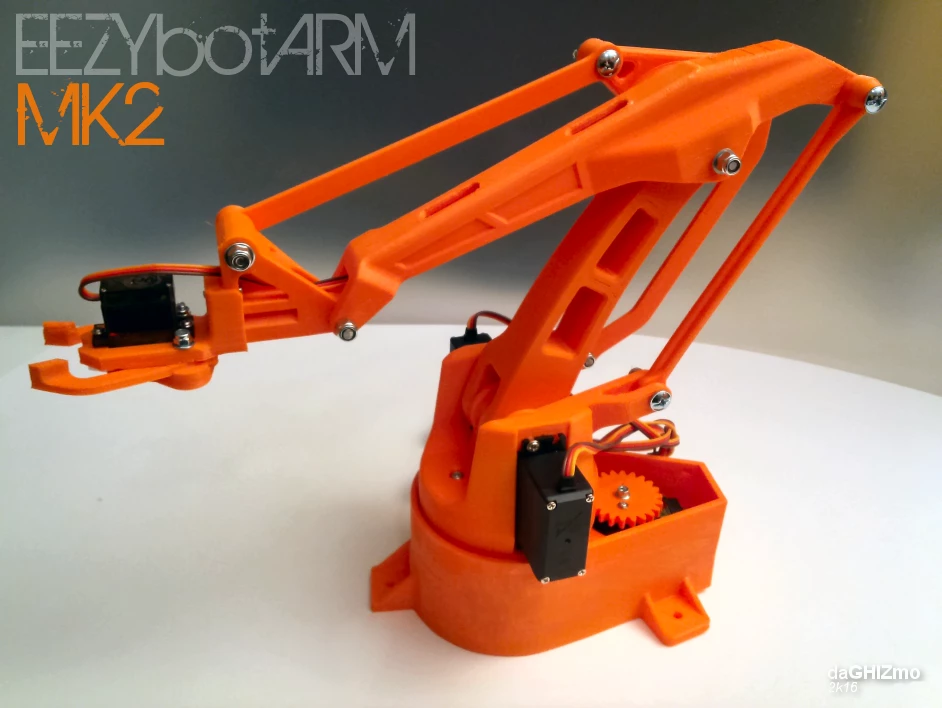
EEZYbotARM-Mk2
Free 3D-printable four-axis robotic arm. Download the files and print your own.
$0.00
View product
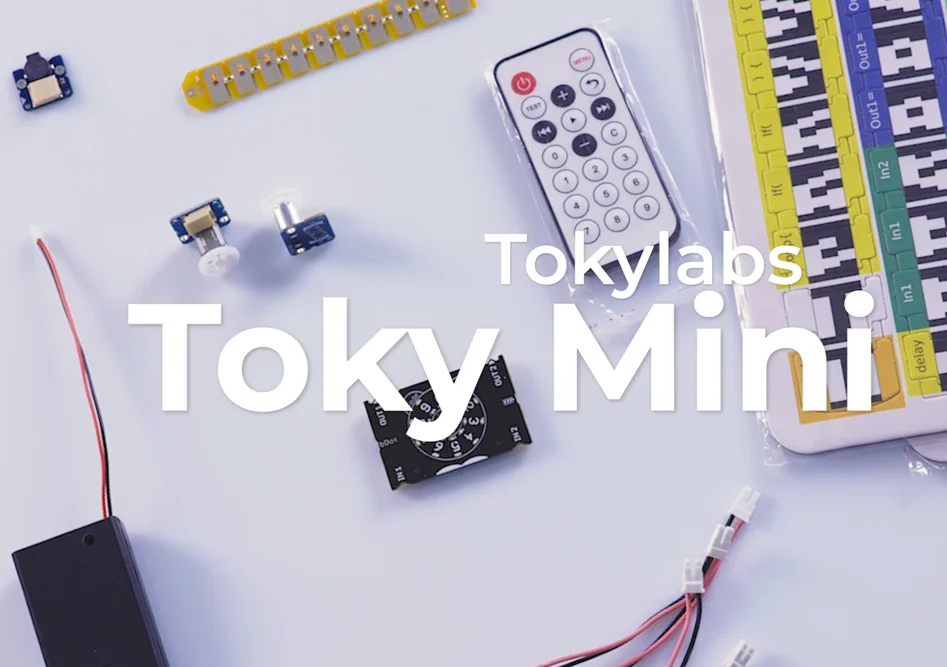

TokyLabs
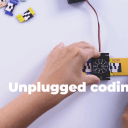
Tokylabs invented a physical puzzle system that snap together to make all sort of programs and tech projects.
In a world where technology is ever-present, it's important to find ways to use it wisely. Too much screen time can be detrimental to learning and development, but there are ways to use technology in a way that encourages learning. The best way we can thin
Condition: New
Authentic product
In a world where technology is ever-present, it's important to find ways to use it wisely. Too much screen time can be detrimental to learning and development, but there are ways to use technology in a way that encourages learning. The best way we can think of for 6 to 9 Years old learners is through the use of Tokymini
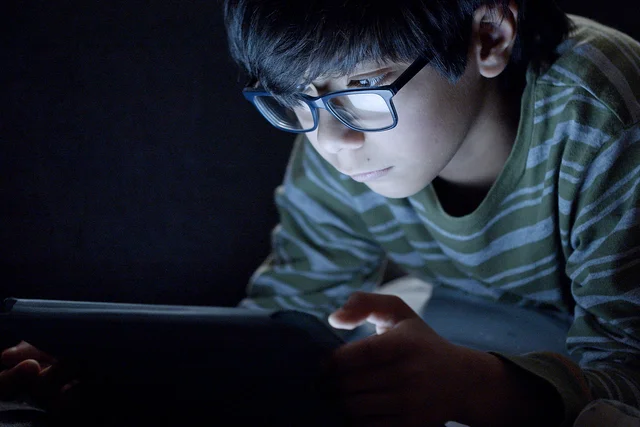
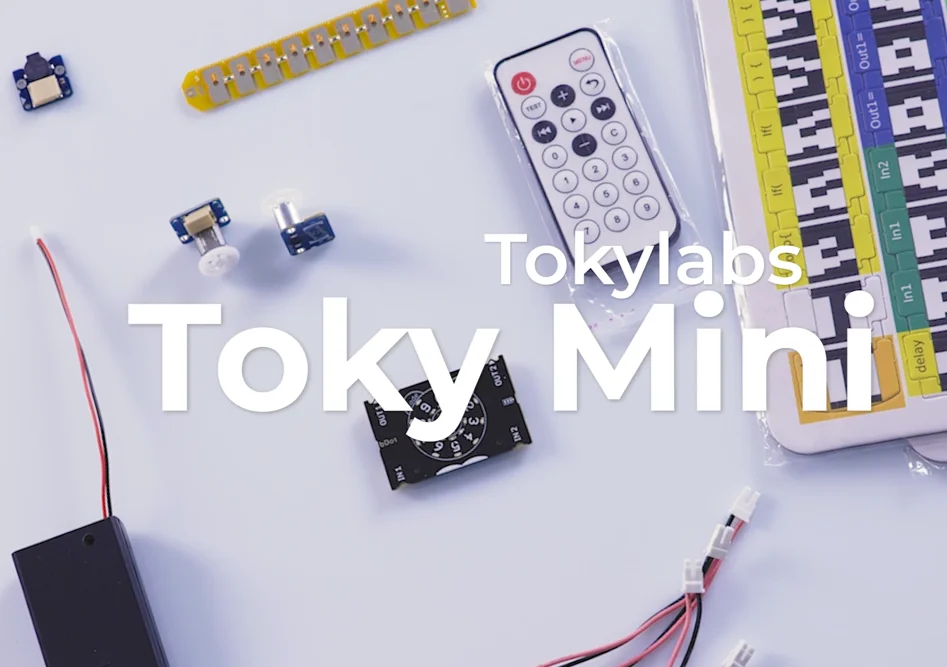
Most parents these days are aware of the importance of reducing screen-time for their kids. Too much time in front of screens can lead to a number of problems, including sleep issues, early sight problems, and attention difficulties. It can also contribute to anxiety and depression. So how do we solve this problem? Introducing Tokymini and their physical puzzle system that snap together to create all sorts of programs and tech projects.
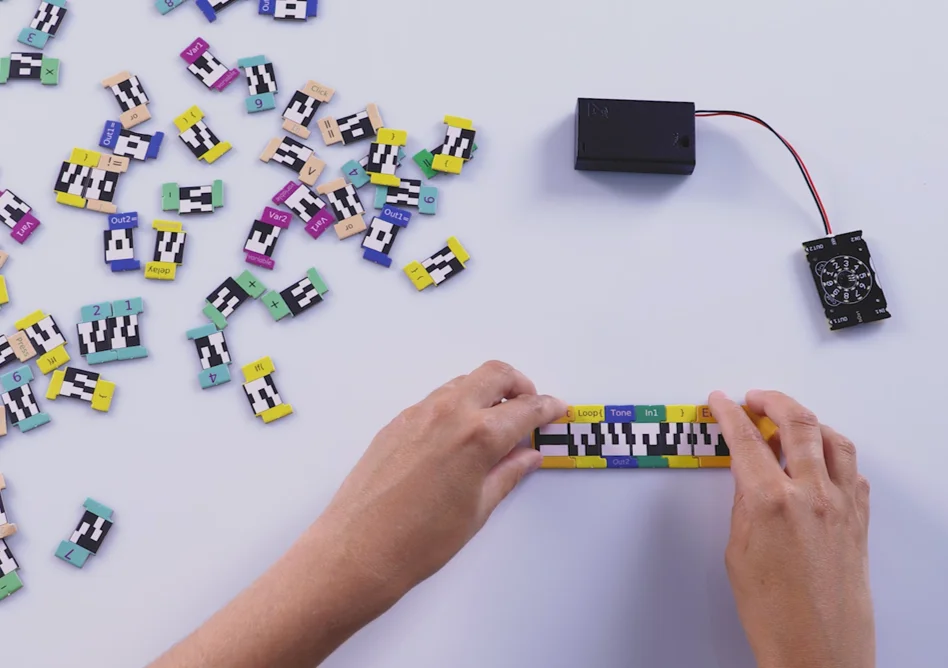
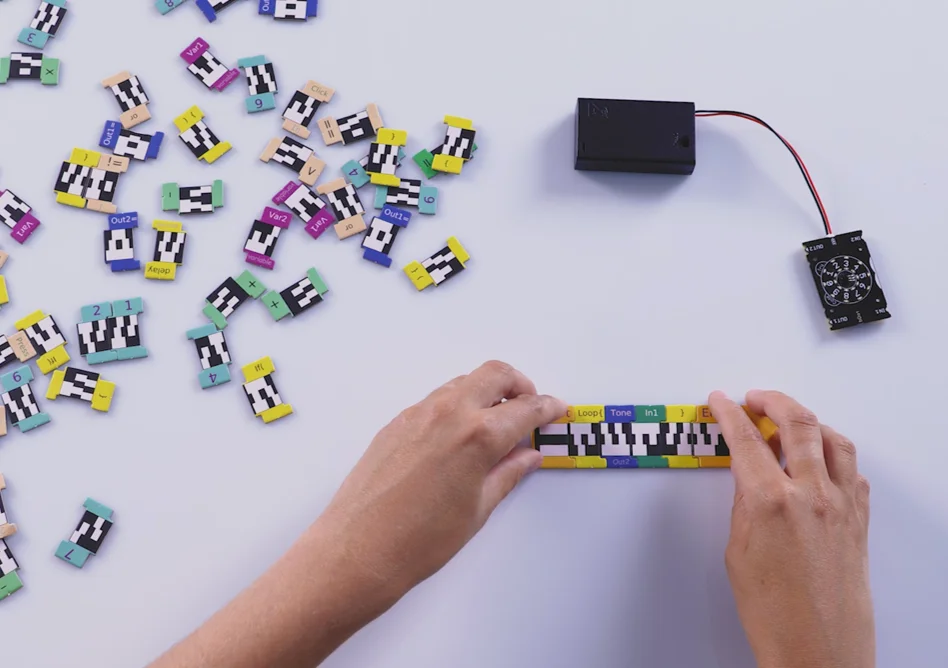
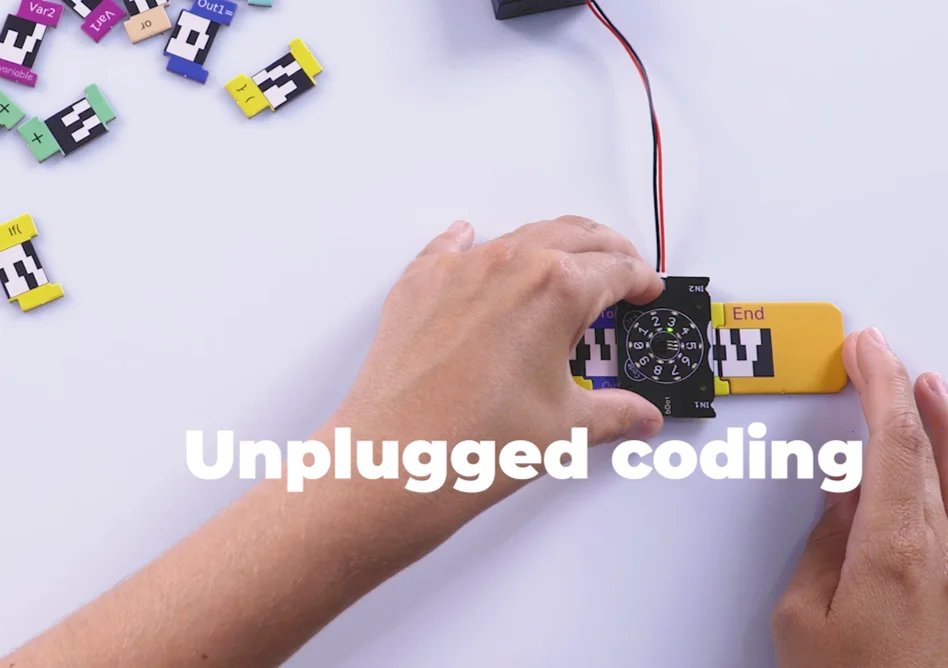
Our latest Patent in this field allows young learners to use tokymini to scan physical puzzle pieces that are snapped as a code. That is an incredibly advanced system to program without screens.
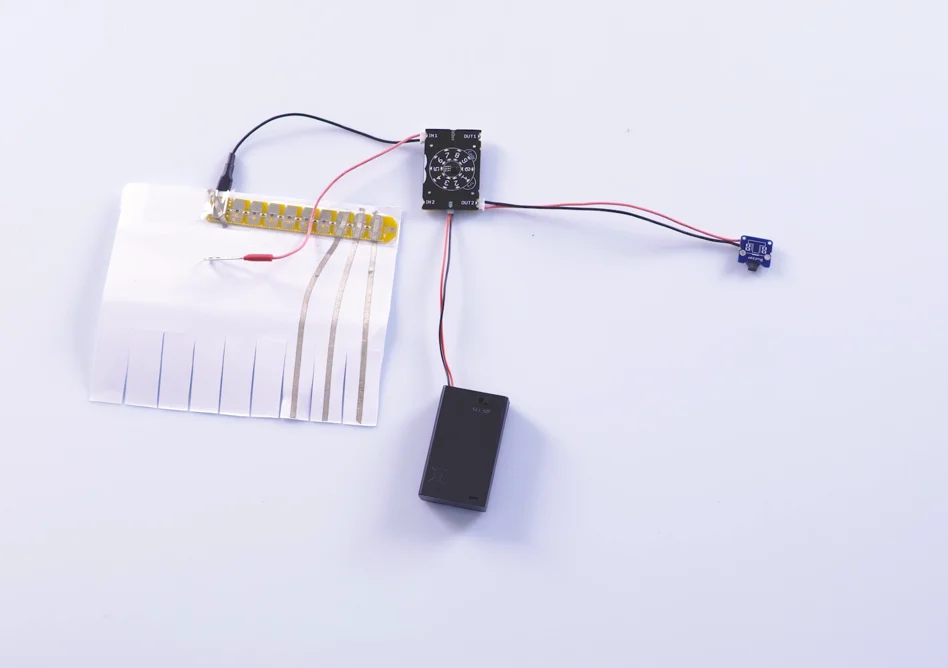
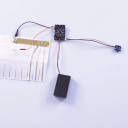
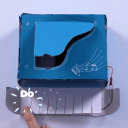
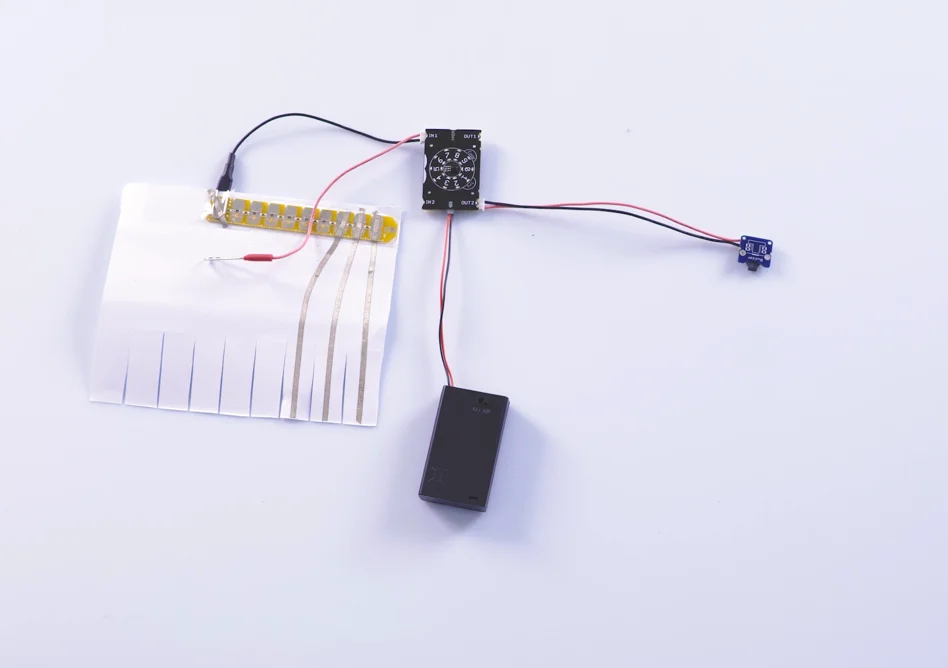
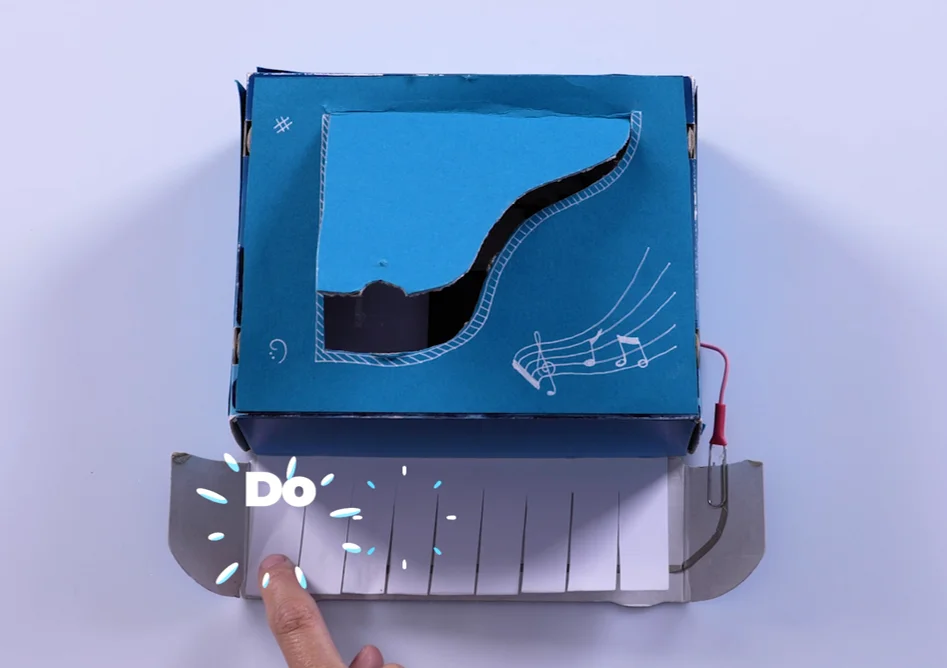
Then, with a simple plug and play system, they can include the required electronic modules for their project. All together, with cardboard designs or regular material you can find at home, the unique project comes into a reality.
The key learning here is to design, code and build projects following kid’s personal idea, instead of following a step by step process, where every kid’s outcome is identical.
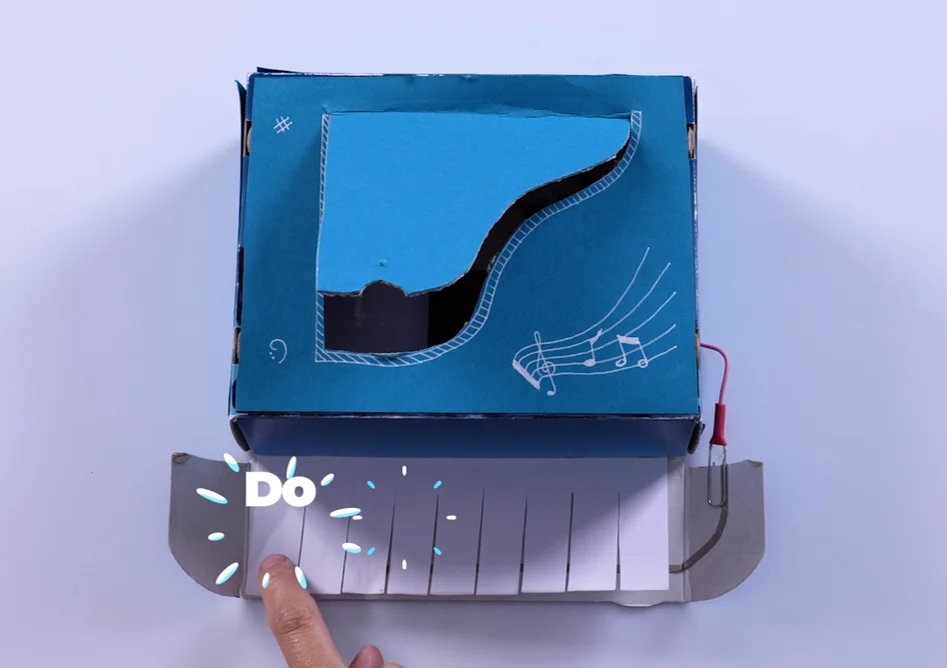
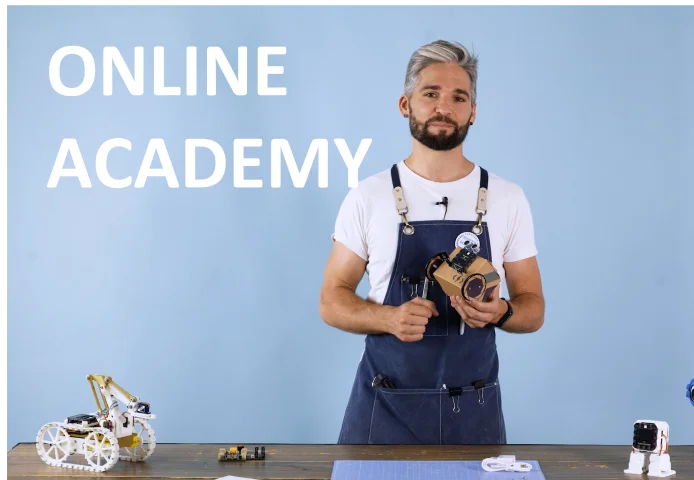
We also provide a free online academy to have tons of hours of fun and learning Tokymini's curriculum is around designing, building and coding projects related to music, art and engineering, and has a structure of 60% of craftmanship, creativity and critical thinking; and 40% of coding and electronics.
It is the perfect choice to start the first steps into the amazing world of technology and STEM, but without compromising the future health of our children. Best suited to kids from 5 to 9 years old, total beginners in programming.
Tech Specifications | |
|---|---|
| Display | LED Matrix |
| Inputs and Outputs | 2 Inputs and 2 Outputs |
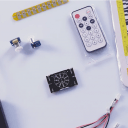
| Built-in sensors | LED Matrix Remote controller receiver |
| Output connector | 2 cable kid-friendly connector |
| Type of Output signals | Logic, PWM, Tone |
| Voltage Source | 3x 1.5V AAA batteries |
Links of Interest | |
| Academy | https://academy.tokylabs.com |
| Community, support and FAQ | Community, support and FAQ |
Content in the BOX | |
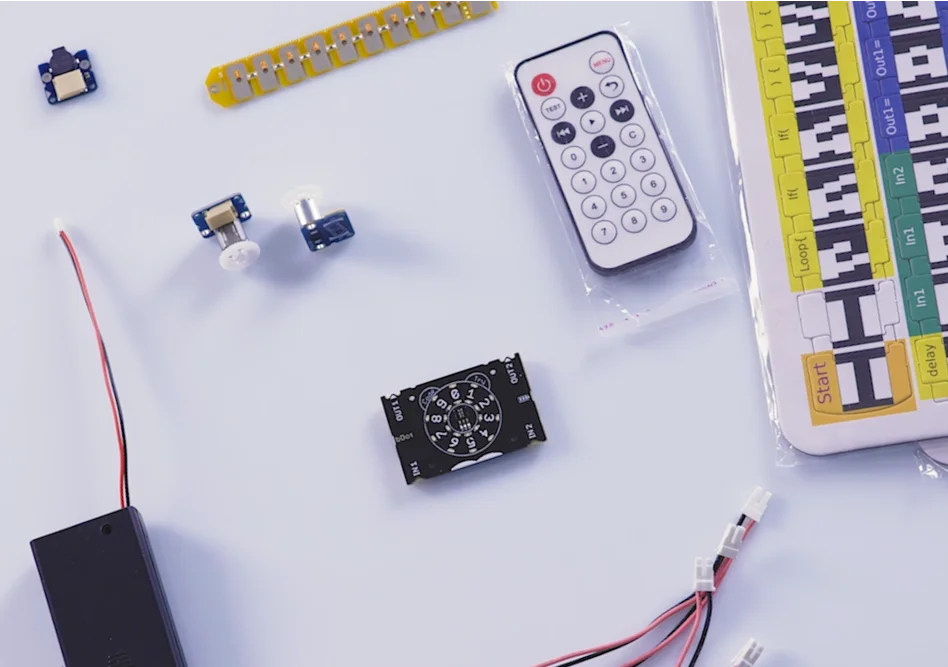
| Tokymini | 1 |
| Motors | 2 |
| Speaker | 1 |
| 9 keys Keyboard input | 2 |
| conductive tape for circuit creation | 1 roll |
| LEDS | 5 |
| Light sensor | 2 |
| 3D printed case cover | upon request (not included) |
| Cable extensions | 4 |
| Coding puzle pieces sets | 2 |

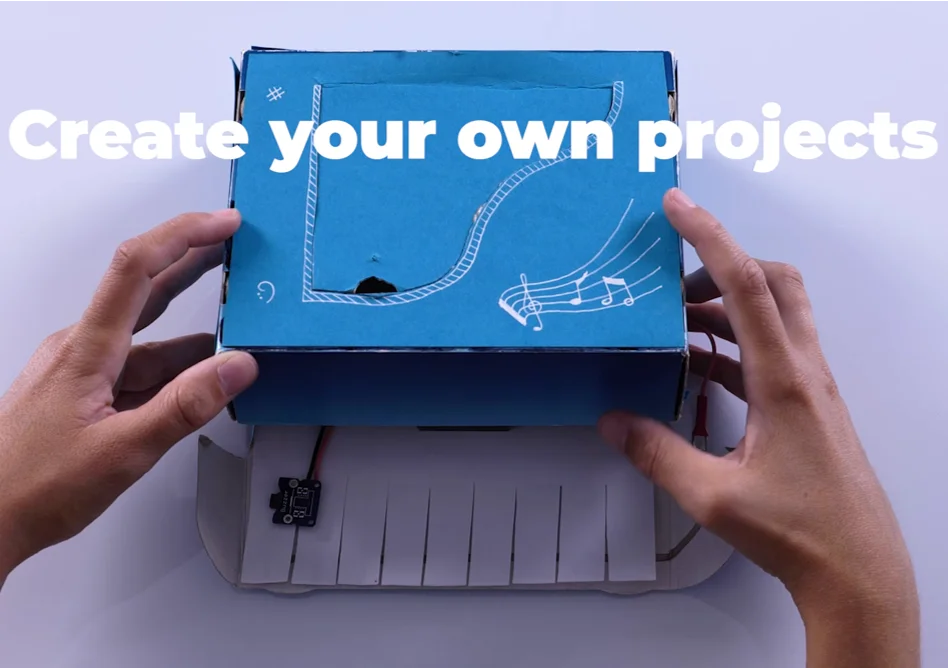
Free 3D-printable four-axis robotic arm. Download the files and print your own.
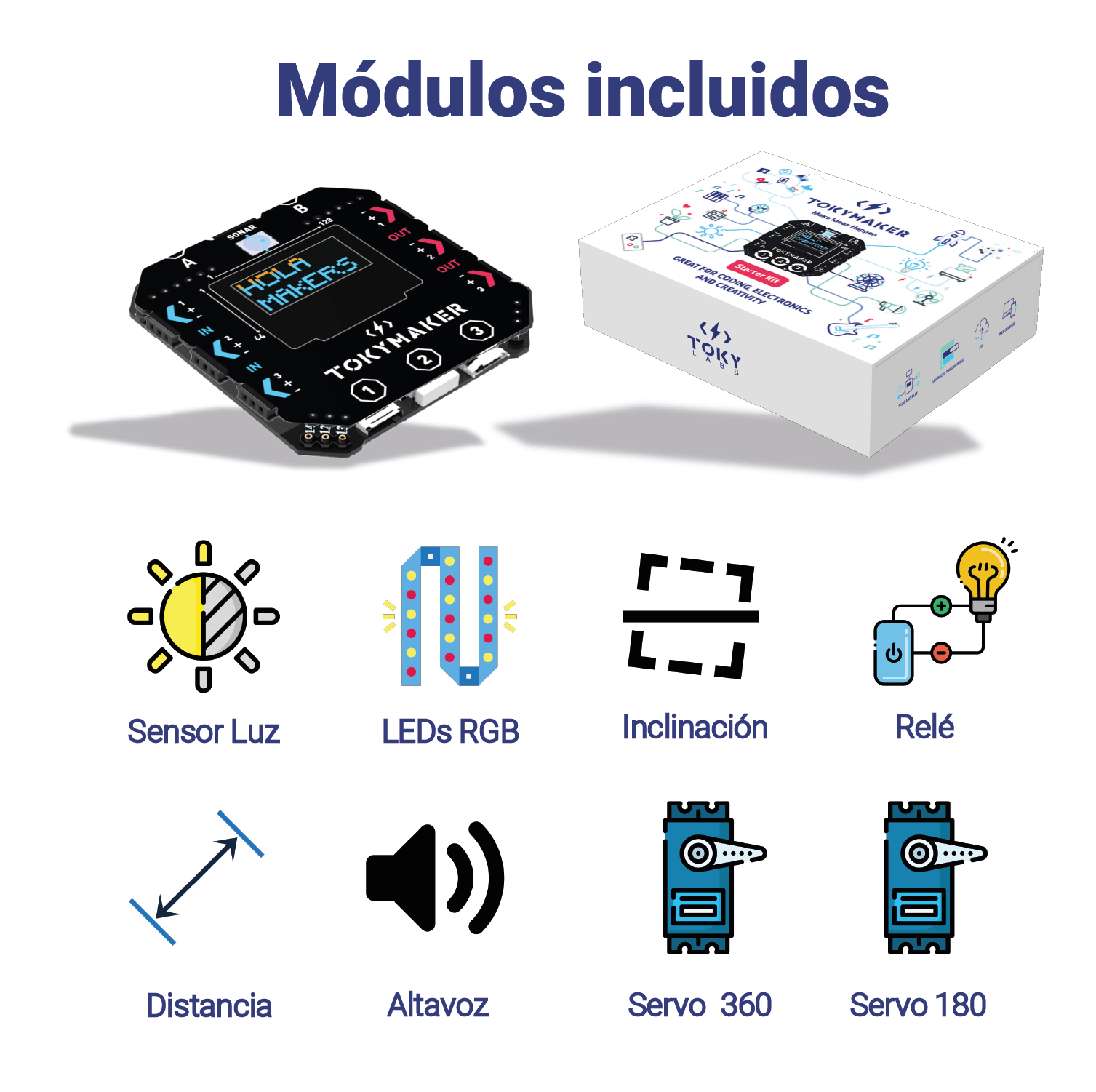
Everything to build with it: sensors, servos, ultrasound, RGB strip, speaker and relay. Ages 9-18, no soldering.
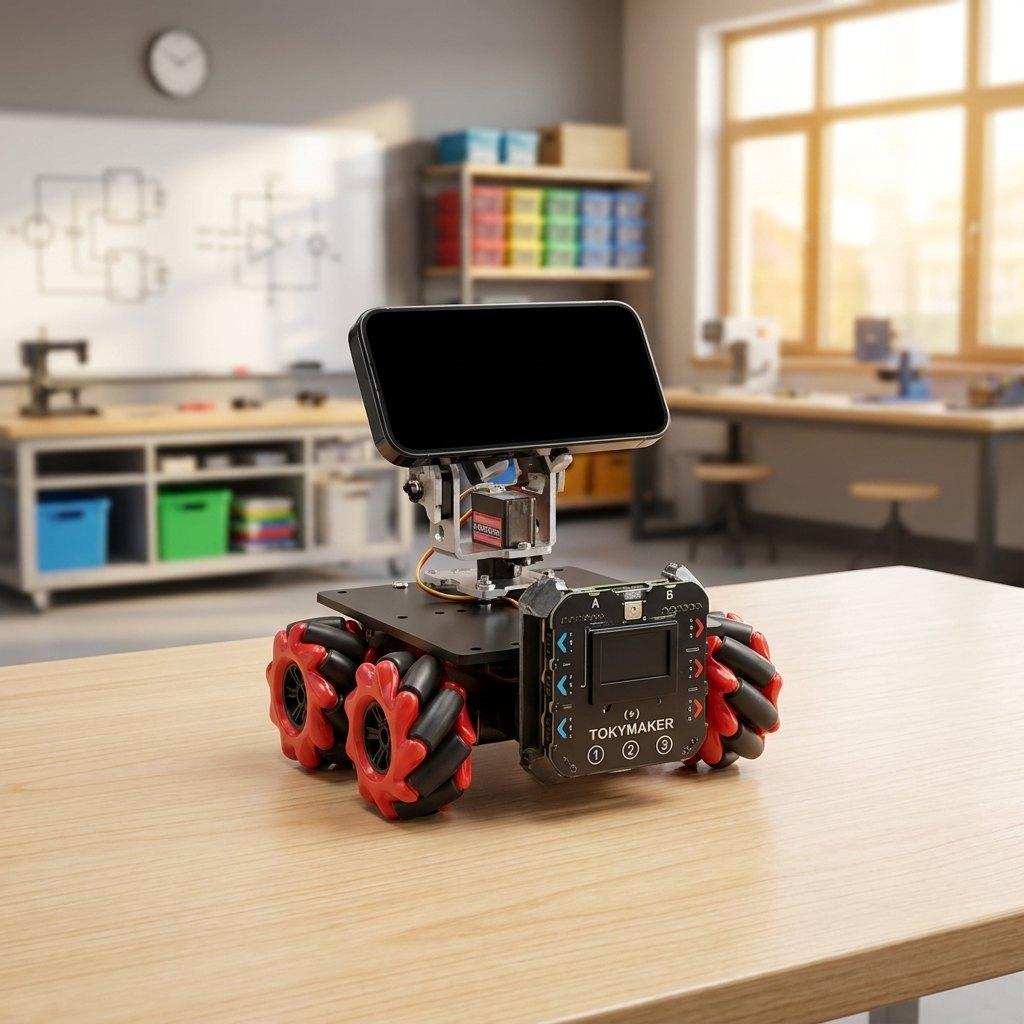
Four mecanum wheels, your phone as its eyes and ears, and AI you command in plain English.
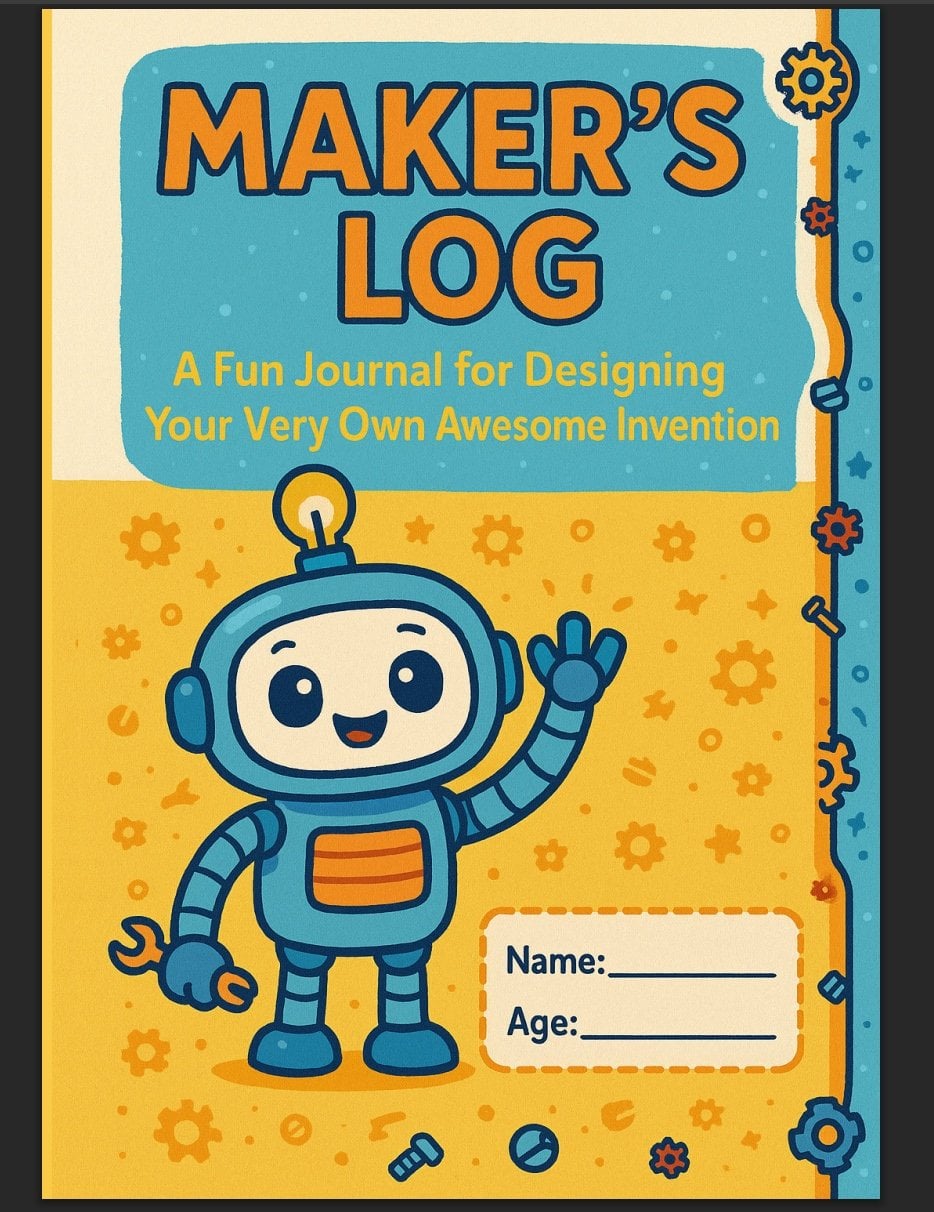
A step-by-step innovation cycle for primary classrooms. Free download.
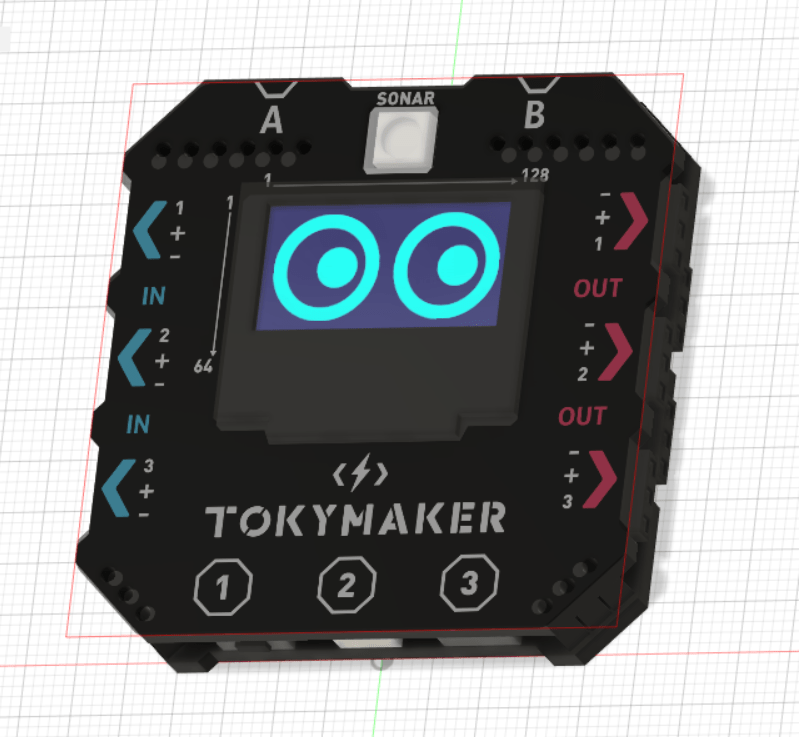
The TokyMaker 3D model, ready to download and edit.
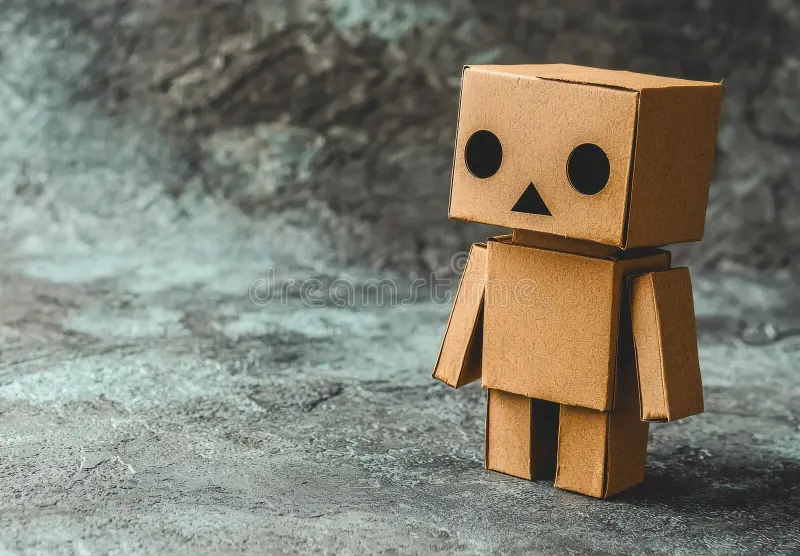
Printable templates for simple cardboard robots. Free, and still growing.
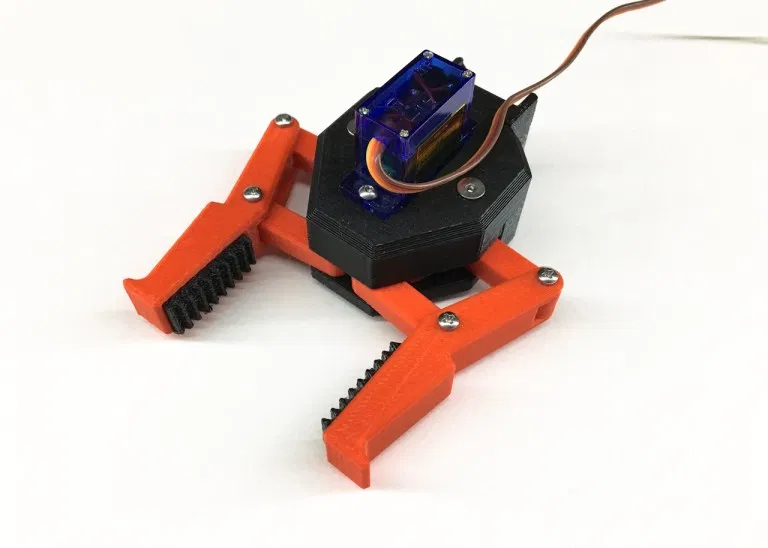
Add-on gripper for the EEZYbotARM MK2. Design by SThone, shared from Thingiverse.
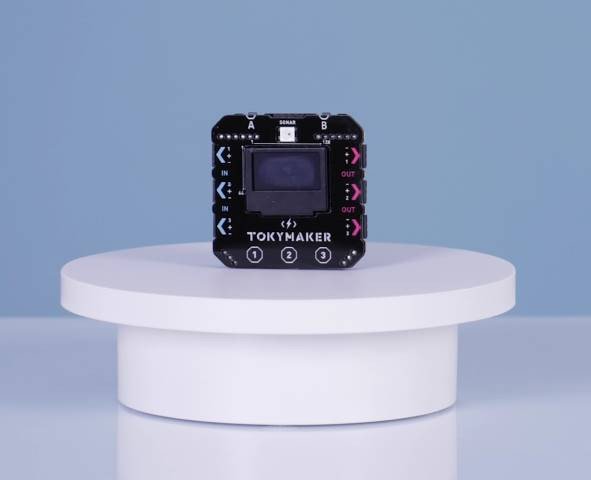
Build a robot, program it from any browser, then give it AI. Ages 9-18, no soldering.