Screen-Free Robotics for Primary School: How It Works and Where to Start
Screen-free robotics lets children aged about 6 to 9 learn programming with their hands. With TokyMini, they snap physical puzzle tiles into a program that drives real motors, lights and sensors. Schools can start with one kit, or embed it in existing subjects through Curriculum as a Service, where a TokyLabs specialist co-teaches alongside the class teacher.
This guide explains how screen-free robotics works in a primary classroom, what the research frameworks say about computational thinking, and the practical first steps for a school. For background on the company, see what TokyLabs is.
What does screen-free robotics mean for young children?
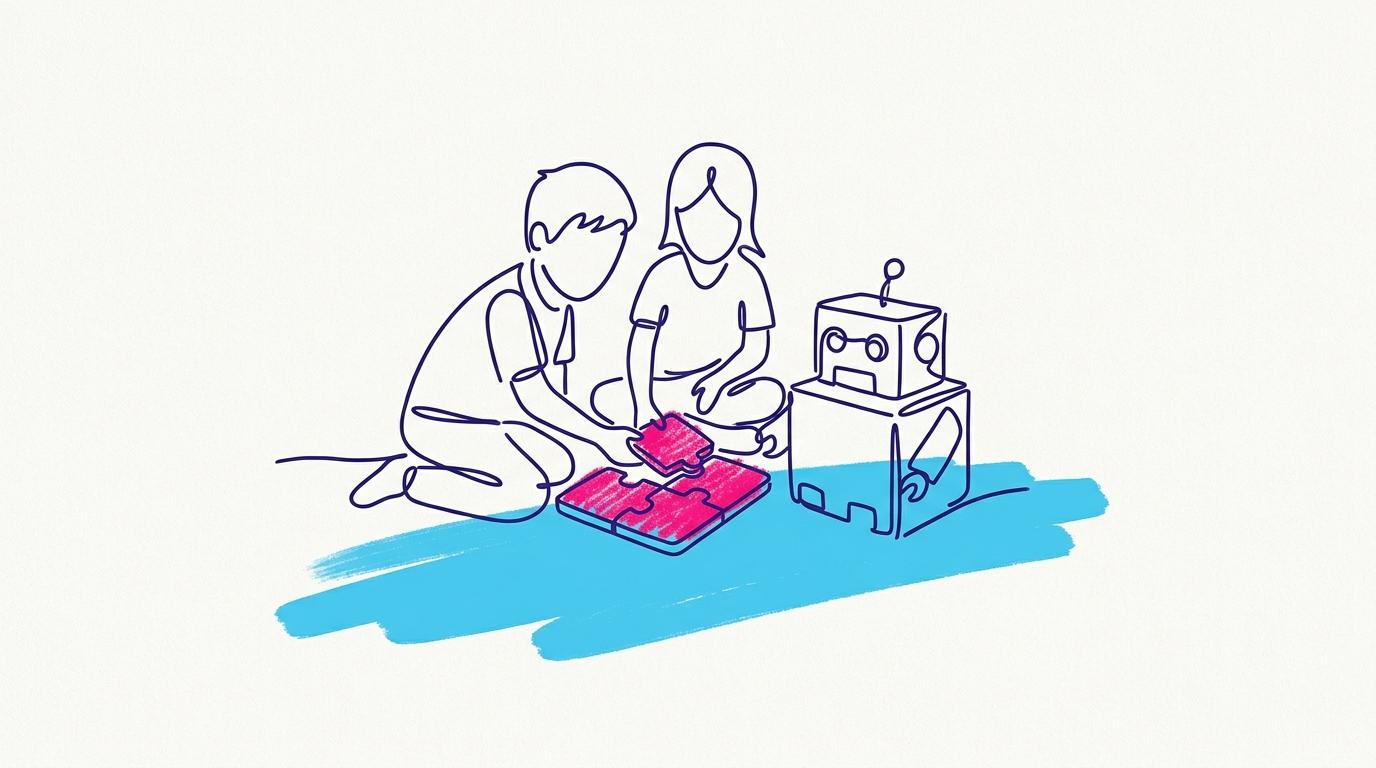
Screen-free robotics means children write programs by arranging physical objects rather than tapping a tablet or typing on a laptop. The thinking is the same, putting instructions in order and testing what happens, but the child's hands stay on the desk.
TokyLabs built TokyMini for this age group. It is designed for children aged about 6 to 9 (the product page lists 5 to 9 for total beginners in programming). Projects are made with cardboard and ordinary materials, so each child builds their own idea rather than an identical model.
How does TokyMini turn puzzle tiles into a program?
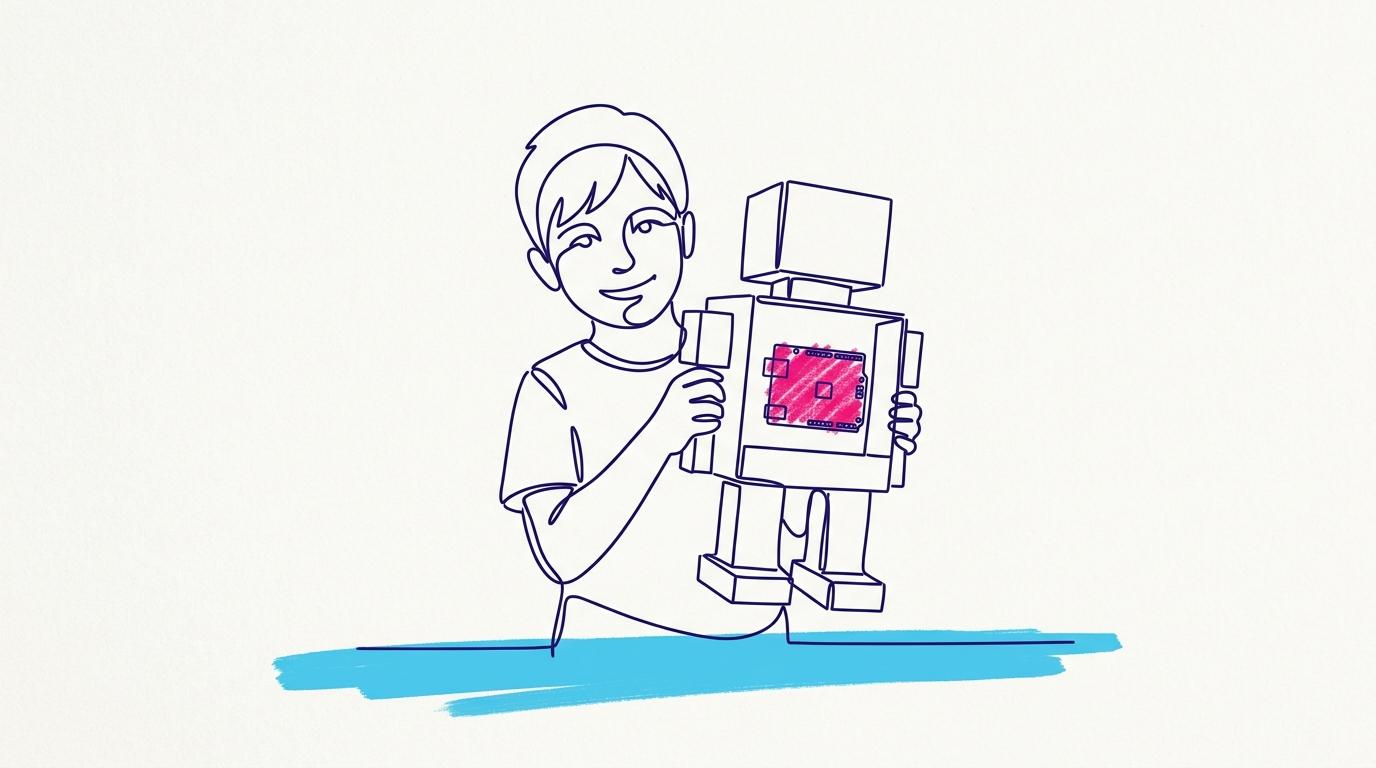
TokyMini scans coding puzzle pieces that children snap together, and runs the sequence as a program. Plug-and-play electronic modules then connect the program to the physical project, such as a smart home, a puppet, a piano or a remote-controlled robot.
The TokyMini Kit costs $79.95 on its product page. The box contains:
- 1 TokyMini device with an LED matrix, 2 inputs and 2 outputs
- 2 motors, 1 speaker and 5 LEDs
- 2 light sensors and 2 nine-key keyboard inputs
- 1 roll of conductive tape for making circuits
- 4 cable extensions and 2 sets of coding puzzle pieces
TokyLabs describes the TokyMini curriculum as 60% craftsmanship, creativity and critical thinking, and 40% coding and electronics, with projects around music, art and engineering.
Why teach computational thinking without a screen?
Computational thinking is about how a solution is designed, not about the device in front of the child. The K–12 Computer Science Framework defines it as expressing solutions as computational steps or algorithms, and notes that using a computer in class does not by itself amount to computational thinking.
The CSTA PK–12 Computer Science Standards make a similar point: they describe computer science as broader than coding or programming, and list dispositions such as creativity, critical thinking, curiosity and persistence. Tangible tiles give young children a hands-on way to practise sequencing, testing and refining.
How does Curriculum as a Service work in a primary school?
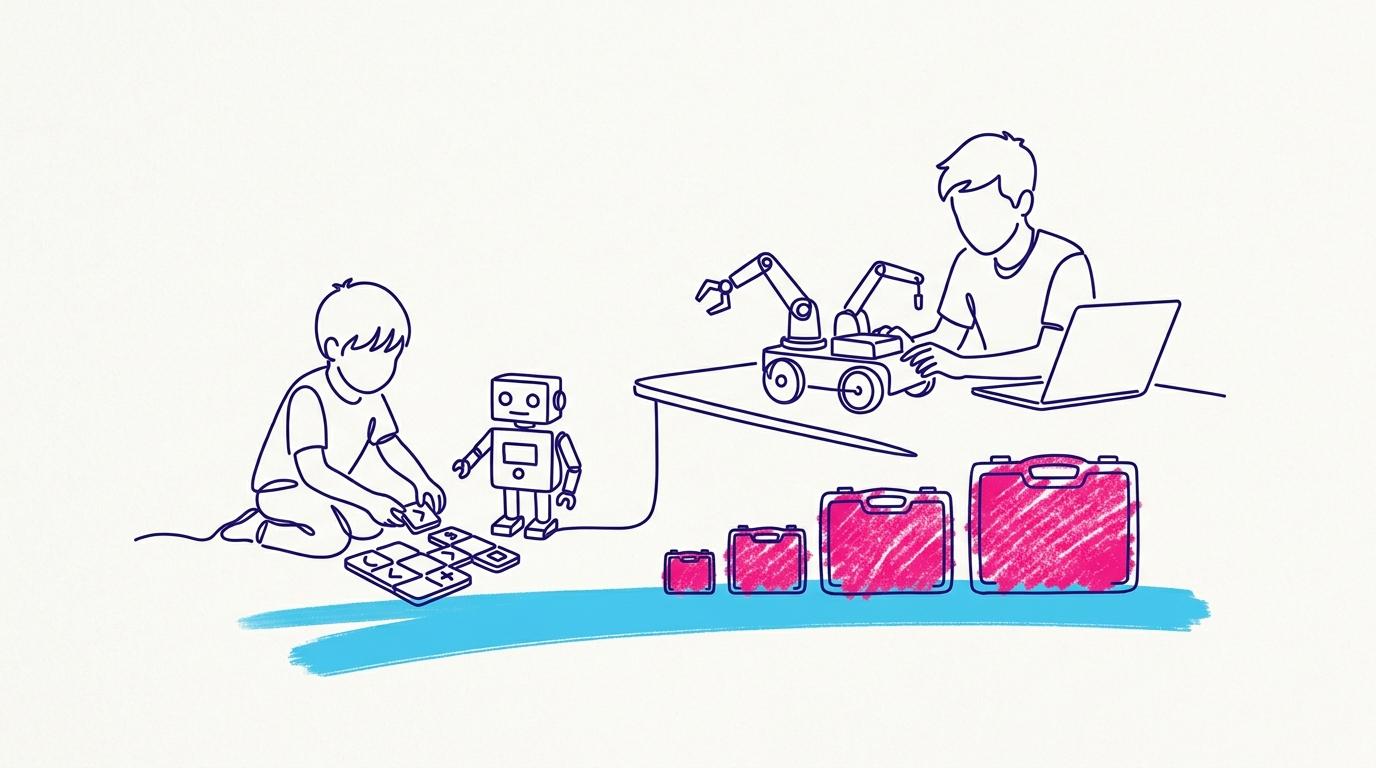
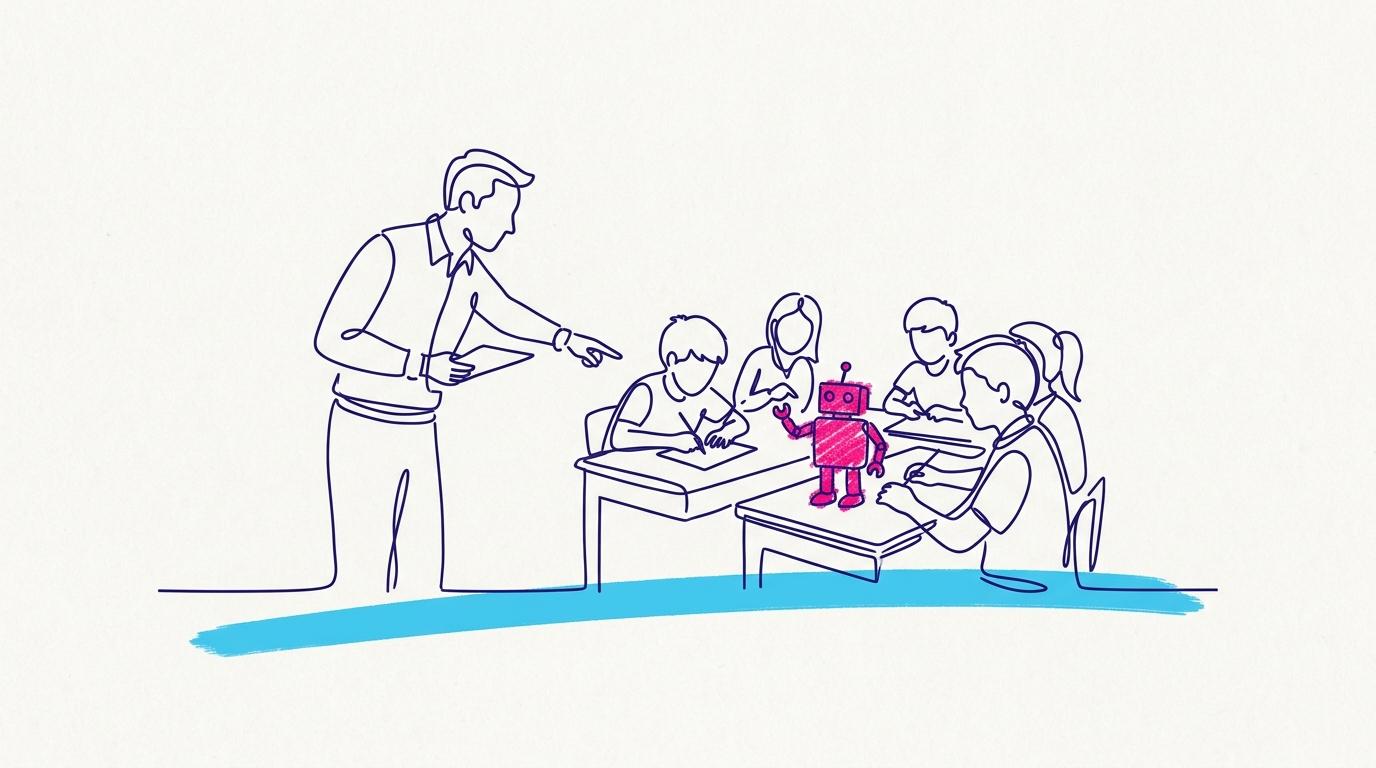
Curriculum as a Service builds TokyMini projects into subjects the school already teaches, and the class teacher leads every lesson. A TokyLabs specialist joins live from the corner of the classroom projector and steps in when technical help is needed.
Schools choose two subjects per term, such as Science and Maths, and each project runs over about four sessions. Students spend almost the whole lesson with cardboard, blocks and sensors; the projector shows only the steps and the aim. No outside staff enter the building. Read the full Curriculum as a Service guide.
| The school provides | TokyLabs provides |
|---|---|
| TokyMini kits, about one set per five students | A live specialist on the projector in every session |
| A projector and a laptop with a webcam | Curriculum mapping to the school's own units |
| A wireless microphone for the teacher | Lesson decks and materials prepared in advance |
| Teachers who lead the lesson | Teacher training and academy access |
What training do primary teachers need?
Primary teachers need about four hours of upfront training for Curriculum as a Service, with no complex programming or electronics to learn first. Assistant teachers receive facilitator training, and the school's point of contact gets unlimited training and a direct support line.
Because the specialist stays in every session, confidence builds while teachers teach. Teachers who want to run robotics fully on their own can take the TokyLabs Robotics Teacher Bootcamp, which starts from zero.
Where should a primary school start?
A primary school should start small, with one kit, one class or one year level, and grow once it has seen results in its own rooms. There are four practical starting points:
- Buy one TokyMini for $79.95 and let a teacher try it first.
- Download the free Innovation Cycle for Primary School Students, a Maker's Log journal for ages 6 to 11 that plans inventions with IF, ELSE and REPEAT blocks.
- Apply for a pilot workshop, described in how the TokyLabs pilot works.
- Plan a one-term Curriculum as a Service trial with two subjects across a single year level.
Frequently asked questions
What age is screen-free robotics best for?
TokyLabs designs TokyMini for children aged 6 to 9 who are beginners in programming. From age 9, students can move to the browser-based TokyMaker board.
Do children use a screen at all in TokyMini lessons?
Children program with physical puzzle pieces, not a screen. In Curriculum as a Service lessons, the projector shows only the project steps and the aim.
Does the teacher need to be a technology expert?
No. The teacher needs to be a good facilitator. About four hours of training and live technical support in every session cover the rest.
Does it fit our curriculum?
Yes. TokyLabs studies your programmes of study and maps projects to existing units, including national curricula, IB PYP, Cambridge Primary and US standards.
How is Curriculum as a Service priced?
It is priced per class and quoted after a 45-minute call about your year levels and subjects.
Make Your Business Online By The Best No—Code & No—Plugin Solution In The Market.
30 Day Money-Back Guarantee
Say goodbye to your low online sales rate!