
Toky AI Robot Kit — your phone is the robot's senses
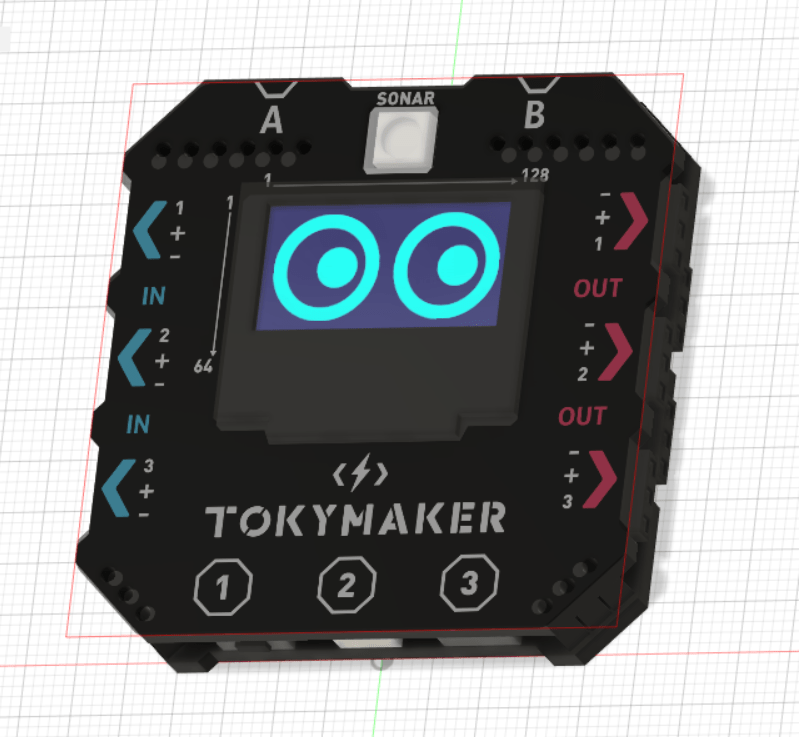
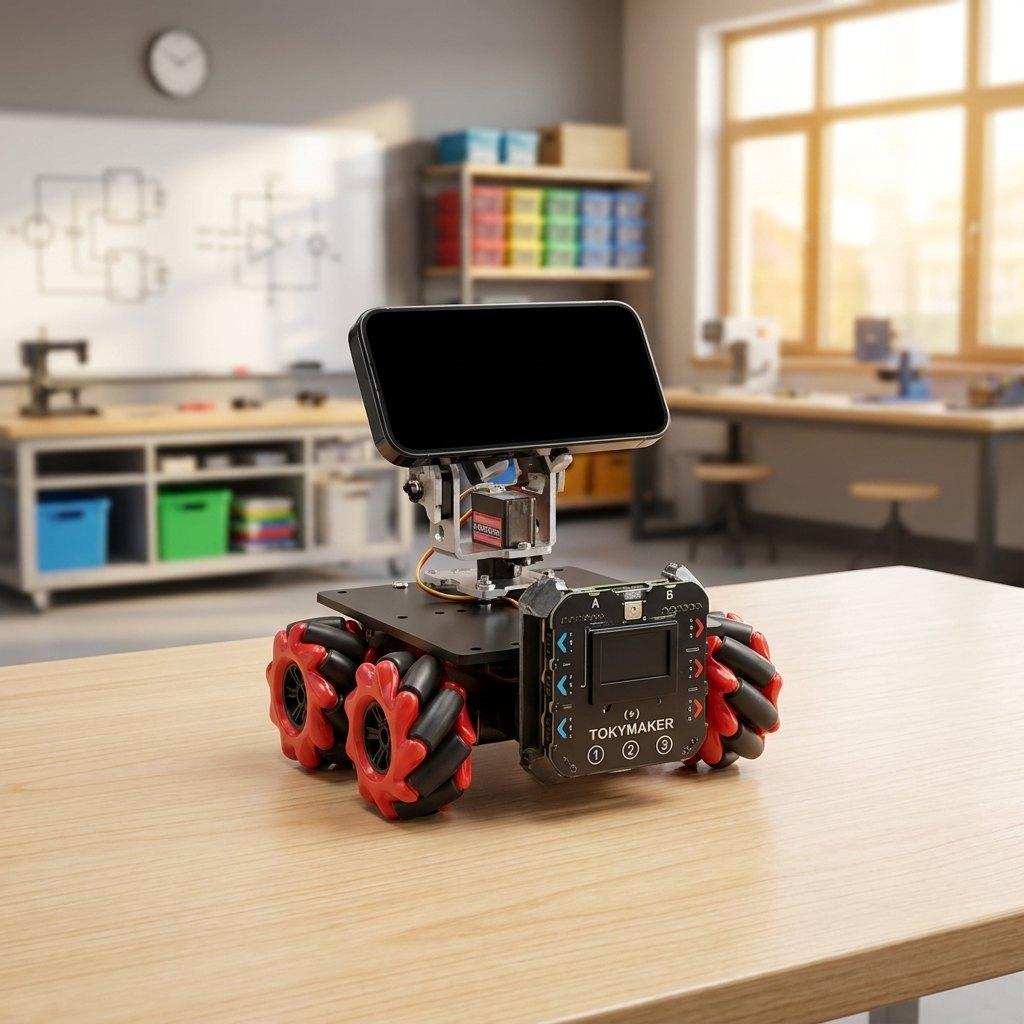
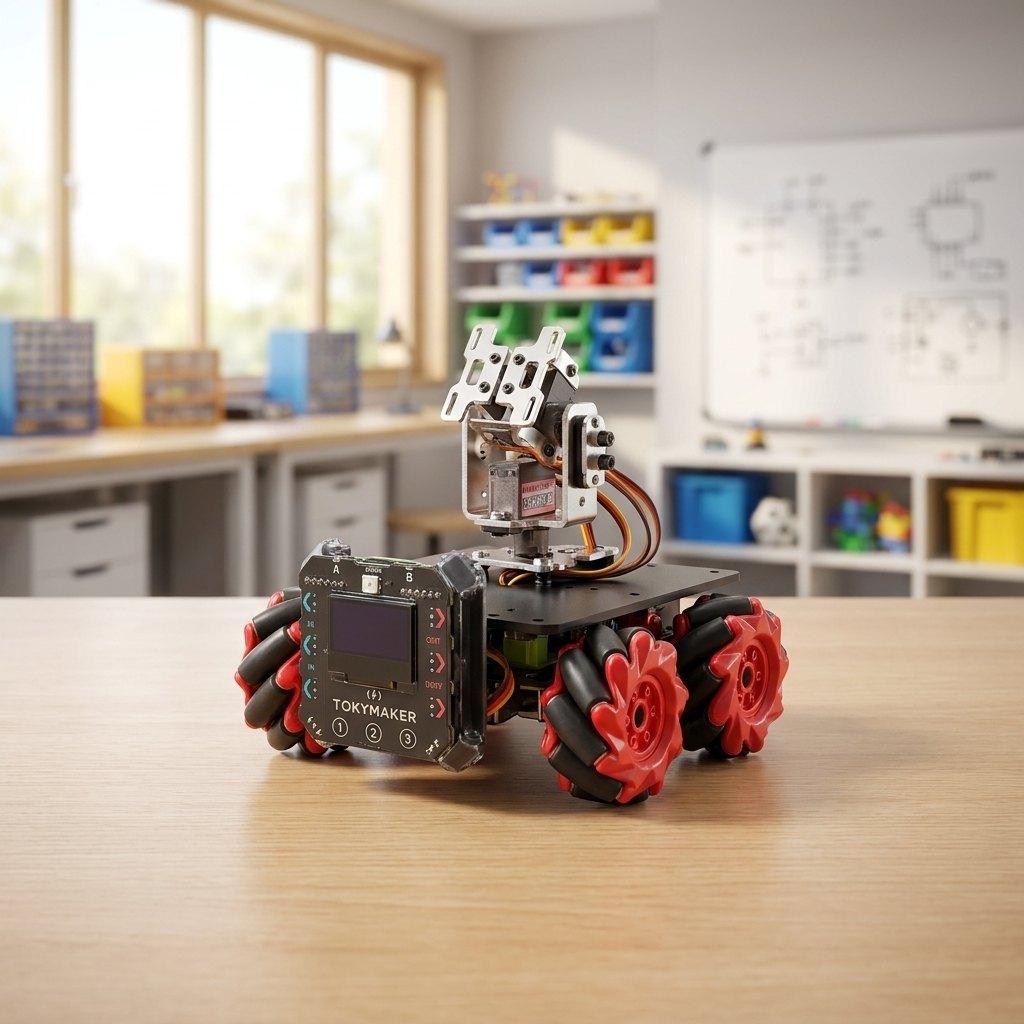
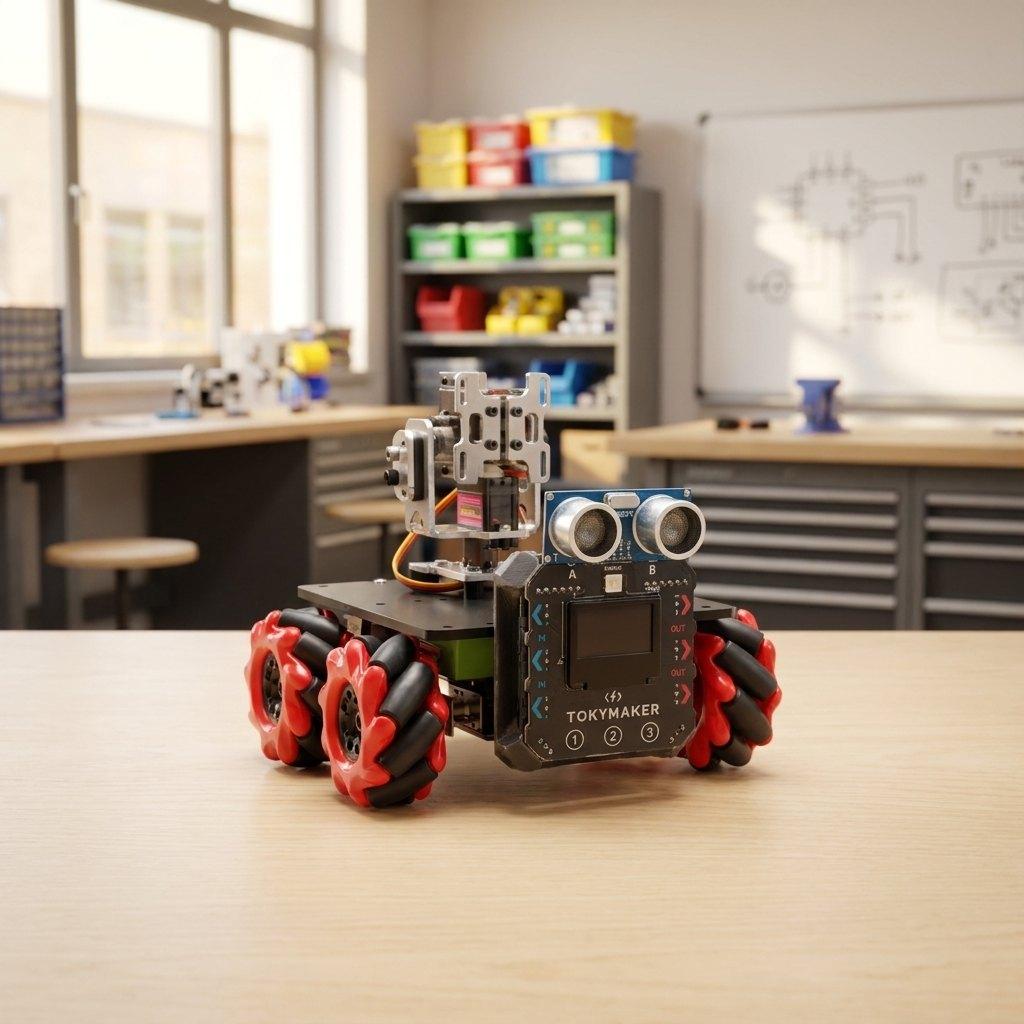
Your phone becomes the robot's senses. Mount a smartphone on the Toky AI Robot Kit and it borrows the camera so it can see, the microphone so it can hear you, and the motion sensors so it can feel how it moves. The TokyMaker board drives four omni wheels — so it goes sideways, diagonally and spins on the spot, not just forward and back. A 2-axis metal arm gives it something to move with.
The arm, and what it can carry
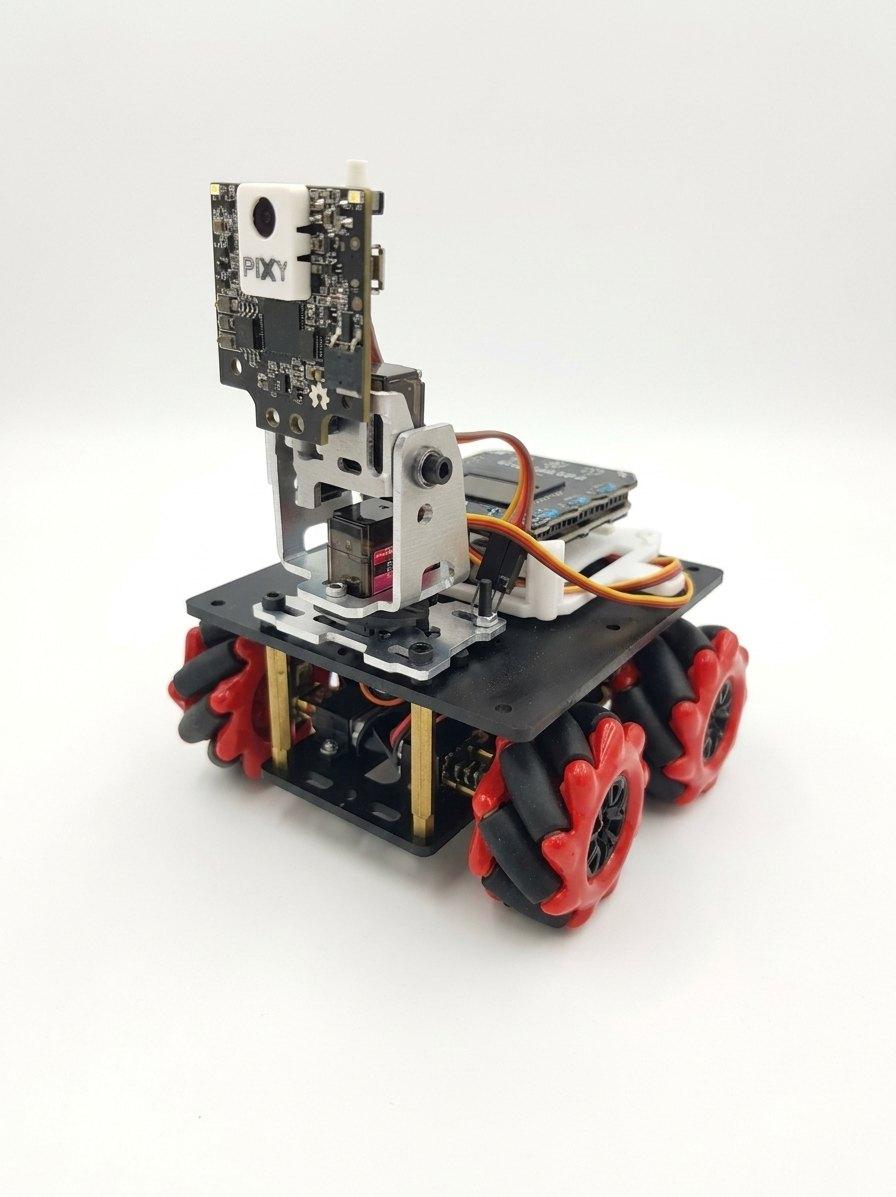
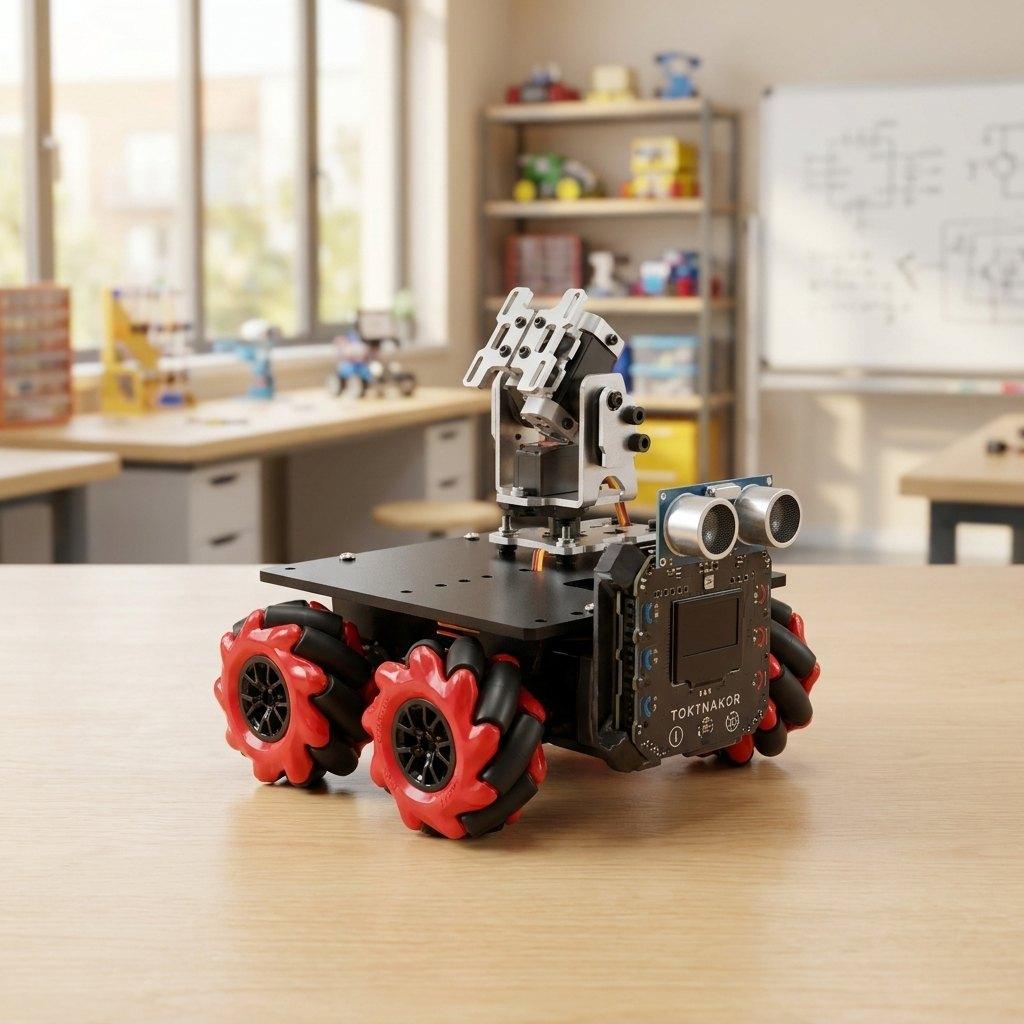
Shown here holding a Pixy camera — sold separately, not part of this kit. The 2-axis metal arm and its two servos are included.
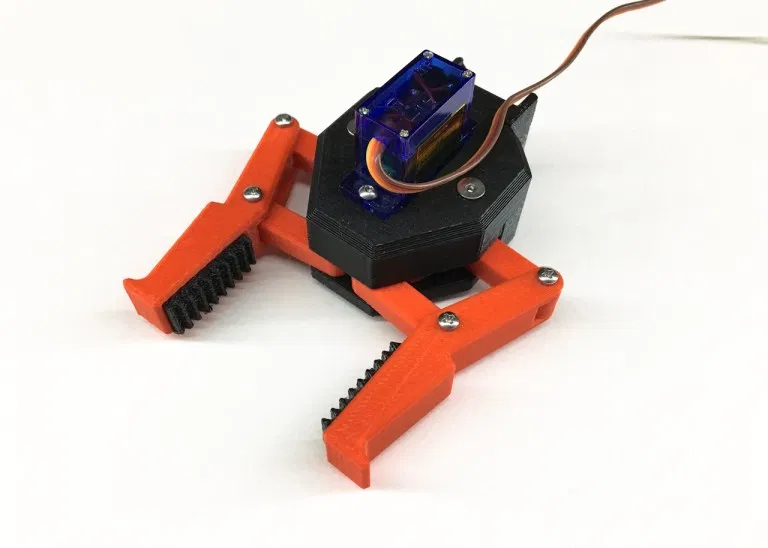
The arm is built from metal with two metal-gear servos, so it can hold and move real weight: your phone, a camera, a gripper you design yourself.
The AI you can actually command
AI Agent — say it in plain words
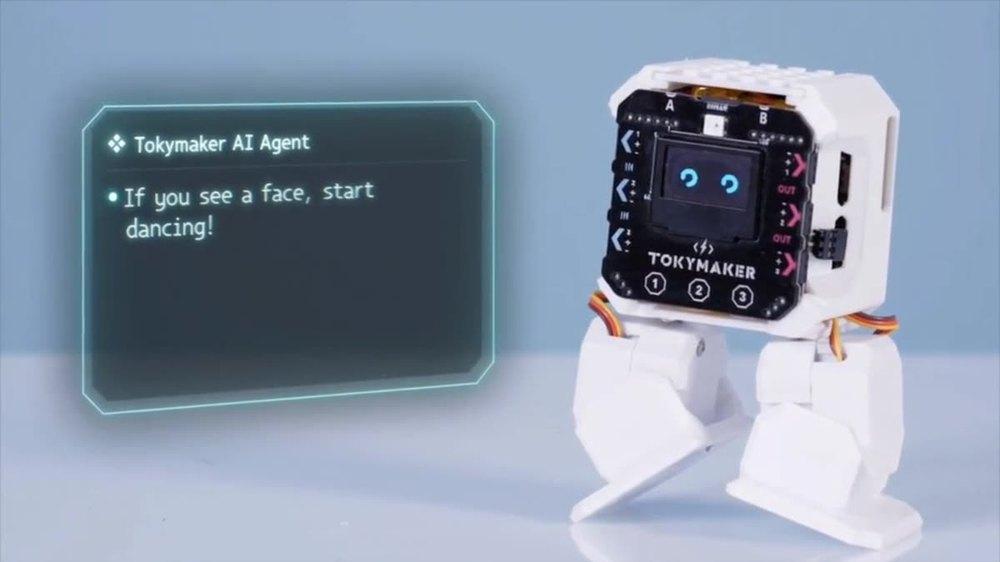
Tell the AI Agent what you want in plain English: "If you see a face, start dancing!"
Tell your robot what to do in plain English and it does it. Say "if you see a face, start dancing" and the AI writes the reflex program that runs on the robot — with the rules lighting up live as they fire. AI as author, not driver: you can read, edit and keep every rule it writes.
AI Web Apps — describe an app, get a working app
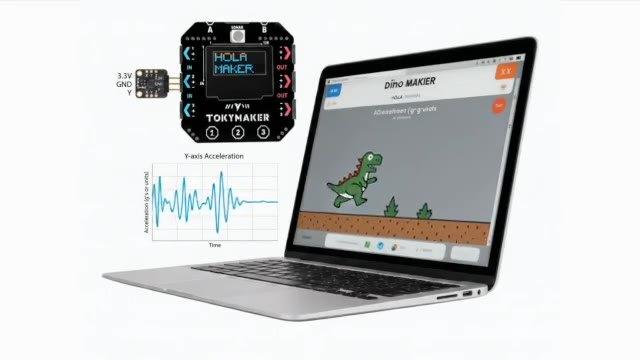
Prompt an app and it arrives wired to the robot’s live sensor data — dashboards, gauges, controllers and playable games.
Describe the interface you want and get a real web app wired live to your robot's sensors and variables: dashboards, gauges, controllers — and playable games. Prompt a game, then play it with your robot.
Computer Vision and your own trained AI
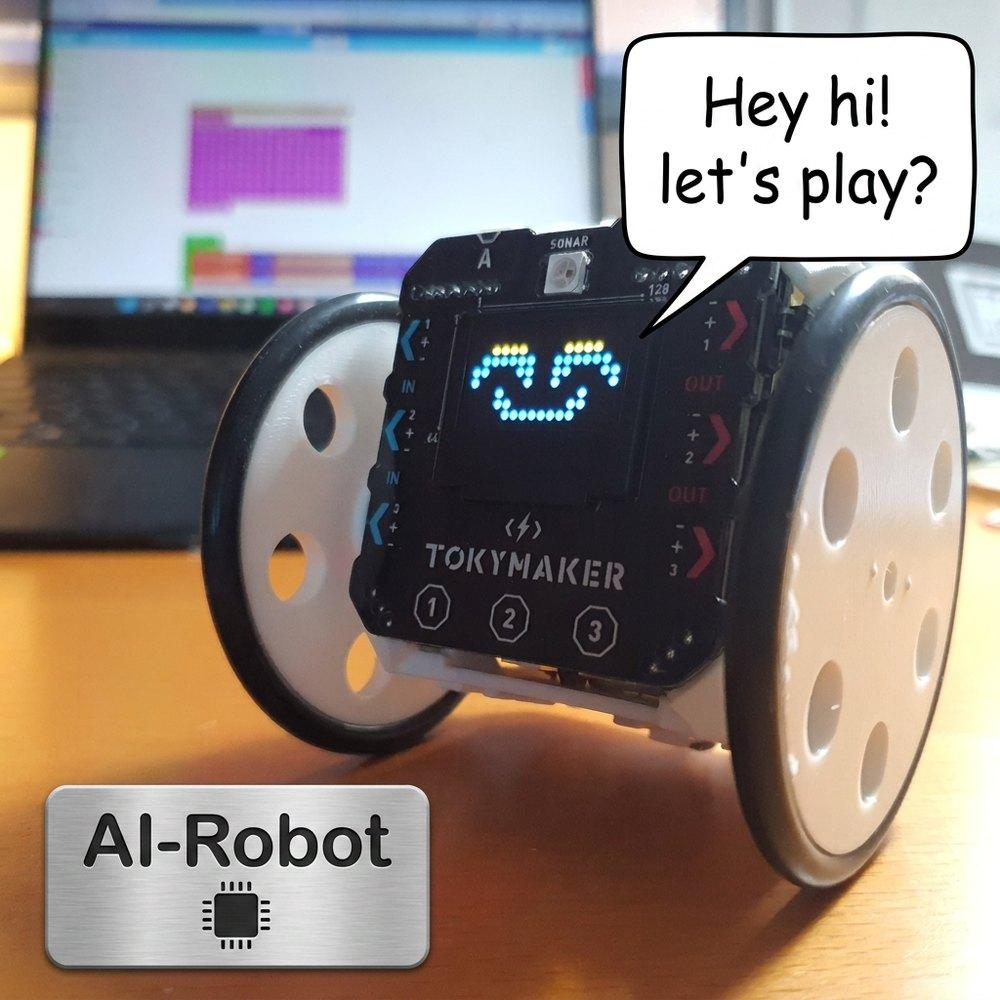
Train the robot to recognise what you show it, then let it react.
Capture samples with the camera, press Train, and the robot reacts to what it recognises. Thirty photos, one Train button, and it knows your gestures. The model trains inside the browser.
Voice — "Hey Toky"
Wake-word listening and text-to-speech, so the robot answers out loud.
It grows with the builder
Start in blocks
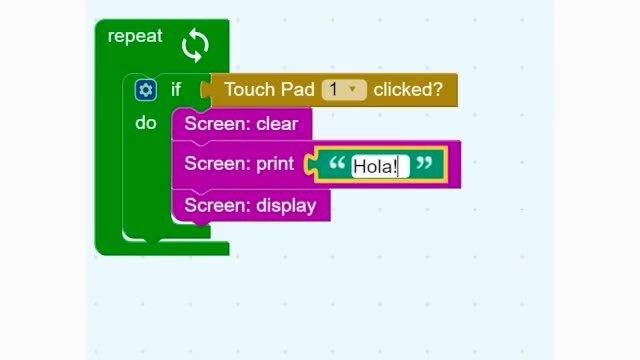
Drag-and-drop blocks — no syntax to memorise on day one.
Move on to real Python
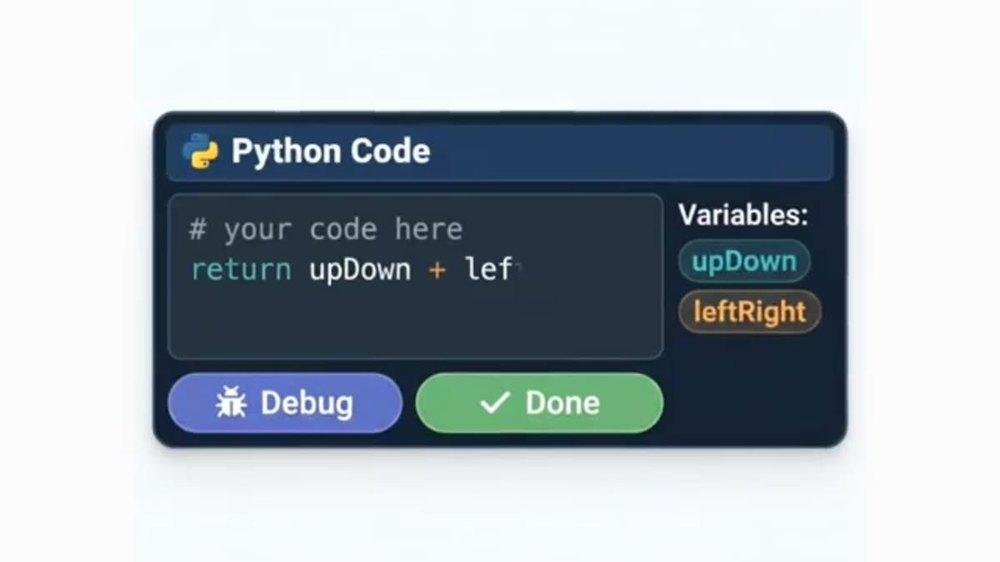
One block opens real MicroPython on the same board.
- Nothing to install — the editor runs in any browser, no account needed to open it.
- Test without the robot — the on-screen simulator runs your program before you drive it.
- Connected — upload and download data, and build live IoT dashboards.
- Augmented Reality mode for projects.
AI your school can actually say yes to
Students never leave the platform to use AI. Models train in the browser — images are never uploaded. Every app and model is a local file the student owns. AI as author, not driver.
The AI Agent authors programs using a cloud model through a key you control. Image training and the simulator run locally in the browser.
What's in the box
Hardware
- Two-level semi-professional robot body structure
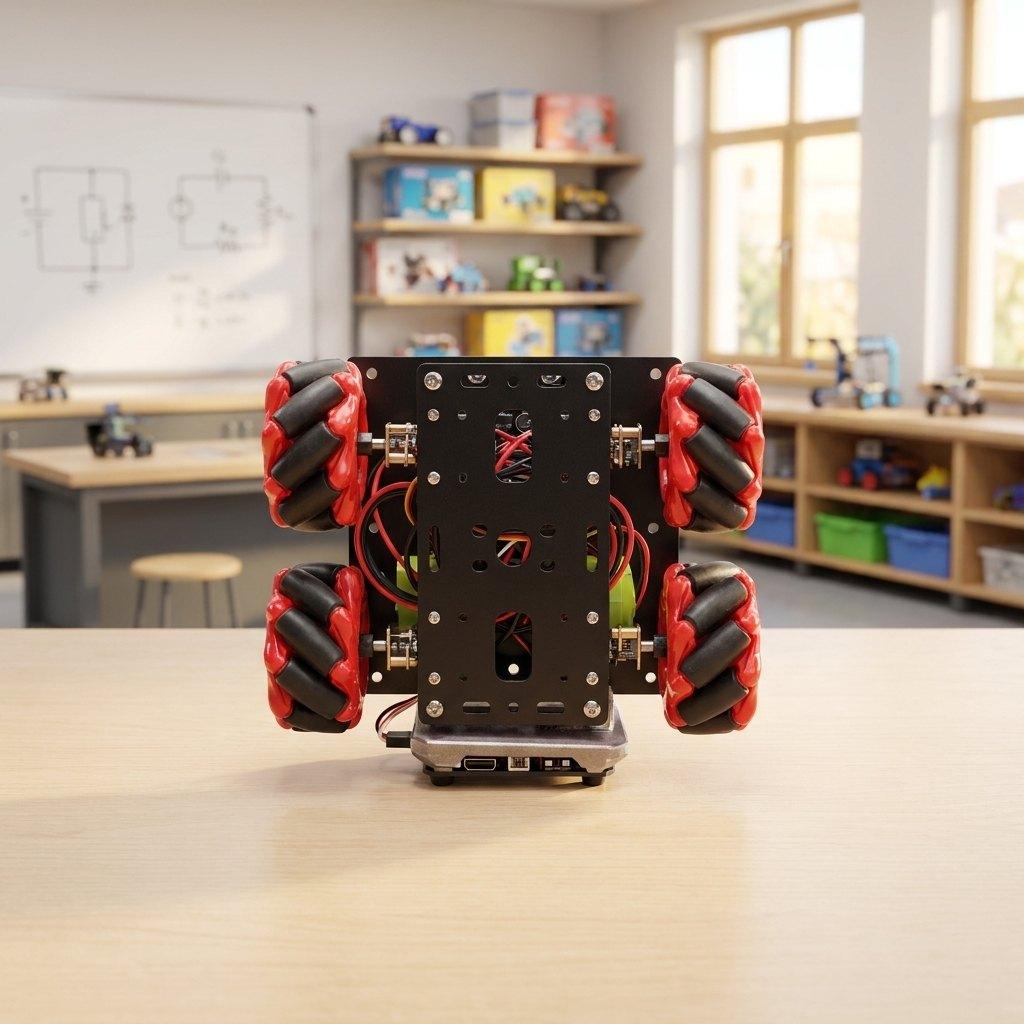
- Omni wheels — drive sideways, diagonally and spin on the spot
- 4 × N20 motors with metal gear reduction
- Motor shield to drive them
- 2-axis metal robot arm with 2 × metal-gear servo motors
- TokyMaker board — the brain
- Ultrasonic distance sensor — measures how far away things are, so the robot can avoid obstacles and follow objects
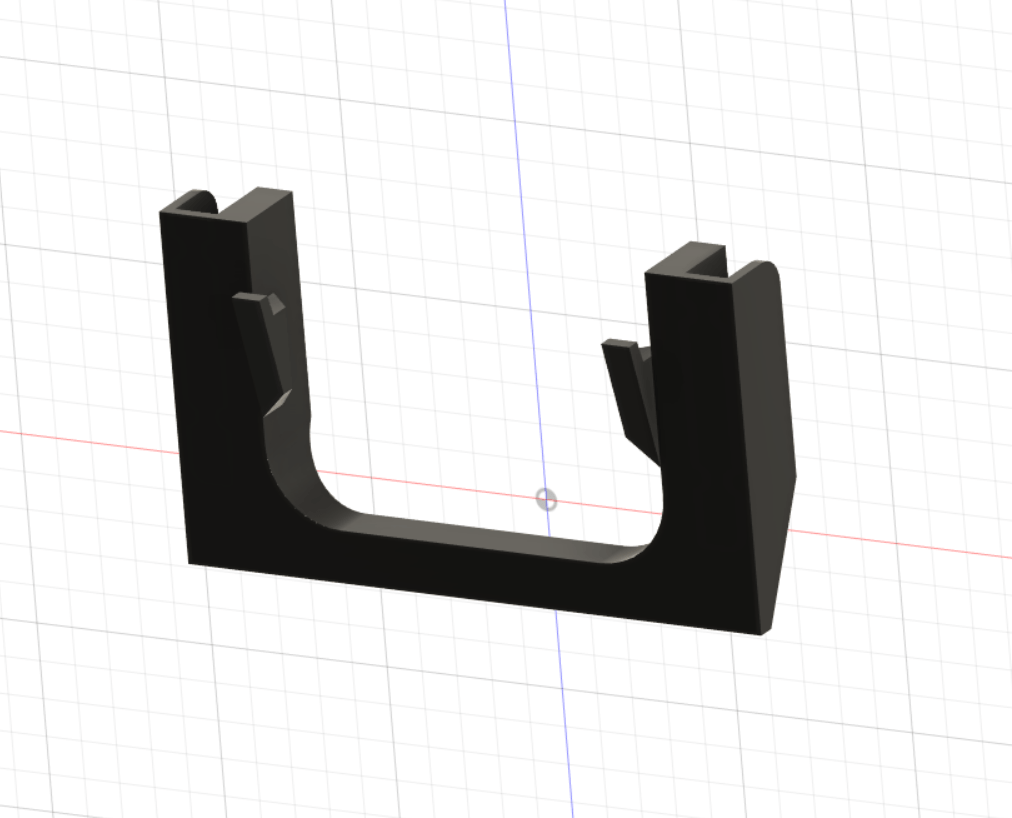
- Locking plate that holds the TokyMaker in place
- Rechargeable battery
Learning included
- Step-by-step assembly tutorials
- AI project tutorials
- Access to the courses that teach you the TokyMaker
- Access to the Teacher Dashboard and 15 lessons for students
- Google Classroom compatible
What is NOT included
Two things people often expect in the box are not in it:
- Smartphone — not included. The kit has the mount and the software to use a phone as the robot's camera, microphone and motion sensors, but you supply your own phone. Any reasonably modern Android or iPhone works, and it never needs to be a new one — an old spare handset is ideal for this.
- Pixy camera — not included. Some of our photos show a Pixy vision camera mounted on the arm. It is a separate product, sold on its own, and it is not part of this kit. The arm works without it — and with a phone mounted, the phone's own camera already gives you computer vision.
Everything listed under "What's in the box" above is included.